Best Wi-Fi Router for a Smart Home: What to Look For
The best Wi-Fi router for a smart home is not necessarily the fastest one. A smart home rarely needs record-breaking download speeds; it needs steady, wall-to-wall 2.4GHz coverage, room to handle dozens of small devices at once, and ideally a built-in Thread radio so newer Matter gear connects without a separate hub. A mesh system that blankets the house, lets you keep a single network name, and exposes a few smart-home-friendly settings will serve a connected home far better than a single high-end gaming router parked in one corner.
Below is what actually matters when you shop, how we chose, and five router types worth considering depending on your ecosystem and how hands-on you want to be.
What actually matters in a router for a smart home
Smart-home devices stress a network differently than laptops and phones do. A single bulb sends tiny amounts of data, but you may have forty of them, all clinging to the crowded 2.4GHz band at the edge of range. Prioritize these traits:
- 2.4GHz coverage and reliability. Most plugs, bulbs, sensors, and cameras connect over 2.4GHz because it travels farther through walls. Coverage gaps, not bandwidth, cause most drop-offs. See 2.4GHz vs 5GHz for smart home devices for why this band still matters.
- Whole-home coverage (usually mesh). A mesh system places nodes around the house so distant devices keep a strong signal instead of clinging to one faint access point.
- High device capacity. Look for routers that document support for a large number of connected clients. Older or budget single-router hardware can choke once you pass a few dozen devices.
- A separate or controllable IoT network. The ability to put smart devices on their own SSID (or at least a guest network) isolates chatty, lower-security gadgets from your computers. Our smart-home Wi-Fi best-practices guide covers this in depth.
- Single-SSID option / band steering you can influence. Many devices fail setup if they can't find a 2.4GHz network. Routers that either combine bands under one name and let you nudge a device onto 2.4GHz avoid the classic setup connection failures.
- Built-in Thread border router. If you're buying Matter-over-Thread devices, a router with an integrated Thread radio doubles as the bridge to your IP network. We cover this in best Thread border routers you may already own.
- Stable firmware and DHCP reservations. Frequent automatic firmware reboots interrupt automations, and the ability to reserve a fixed IP keeps devices reachable.
How we picked
SmartHomeSensei doesn't run a testing lab, so these picks aren't based on benchmark runs or scores. Instead, we compared what manufacturers publish in their setup and specification documentation, how Matter and Thread are defined by the Connectivity Standards Alliance and Thread Group, and well-documented patterns from community forums about which router behaviors cause smart-home headaches. We weighted coverage, device capacity, 2.4GHz handling, IoT-network options, and Thread support over raw throughput, because those are the traits that keep a connected home stable.
Our picks
1. A Wi-Fi 6E mesh with a built-in Thread border router (e.g., Google Nest Wifi Pro)
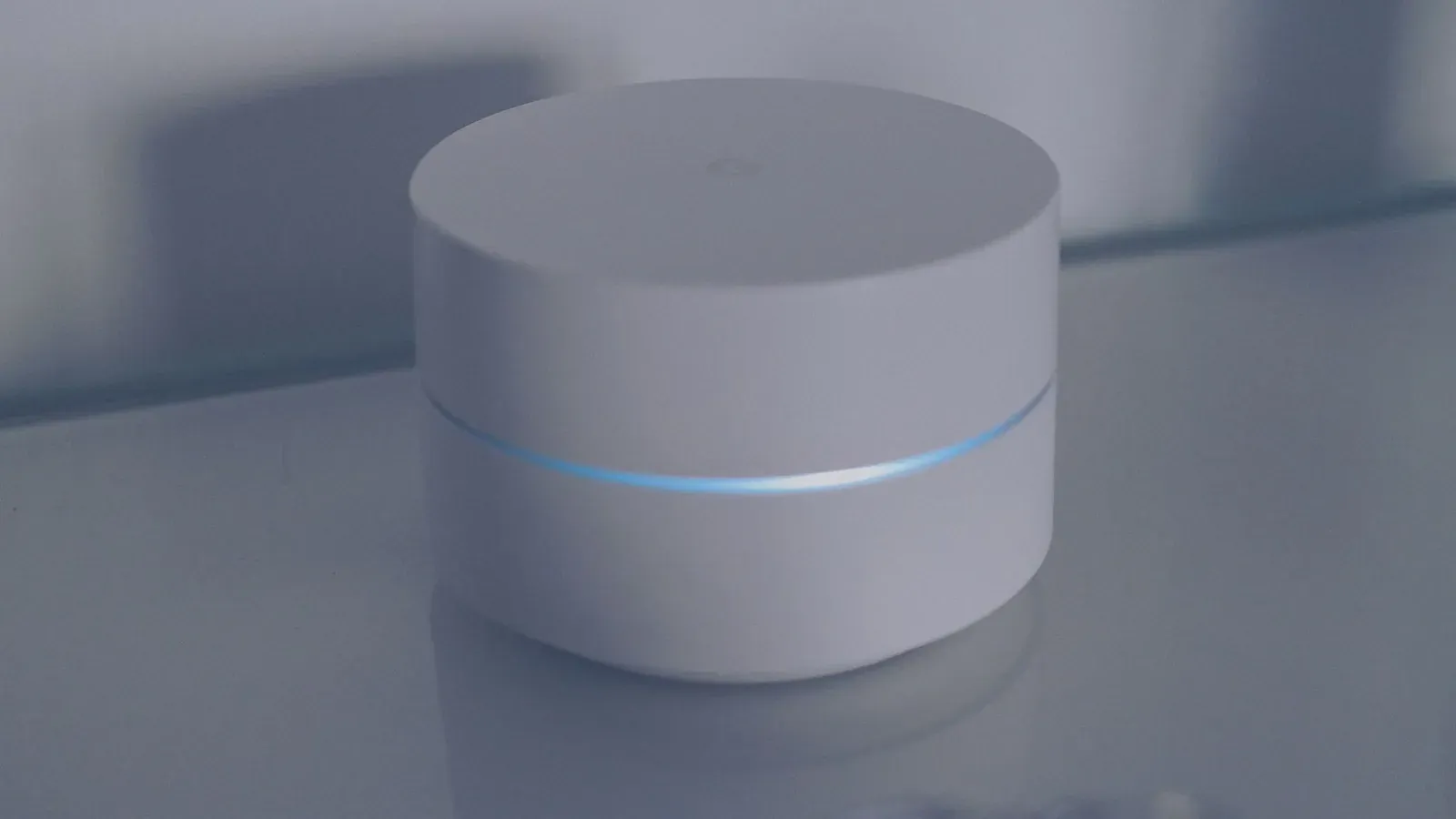
Why it fits: Mesh nodes that include a Thread radio act as both your Wi-Fi backbone and a Thread border router, so Matter-over-Thread devices can join without a standalone hub. Systems like this typically present a single network name and steer devices between bands automatically, which keeps things simple. They're designed to pair with the Google Home app, making them a natural fit for Google households.
Who it's for: People building around Google Home and Matter who want their router to also serve as their Thread bridge. If you're new to the platform, start with how to set up Google Home & Nest.
2. eero mesh (Amazon ecosystem)
Why it fits: eero systems are designed for set-and-forget simplicity, use a single combined SSID, and many current models include a Thread radio so they can function as a border router. Because eero is owned by Amazon, the systems integrate closely with Alexa and Matter setups managed there.
Who it's for: Alexa-centric homes and anyone who wants coverage to "just work" with minimal tinkering. The trade-off is fewer granular controls than enthusiast routers, so power users wanting VLANs may find it limiting.
3. ASUS router or AiMesh system (hands-on control)
Why it fits: ASUS firmware lets you split the 2.4GHz and 5GHz bands into separately named networks and turn off automatic band steering ("Smart Connect"). That makes it easy to create a dedicated 2.4GHz SSID just for stubborn IoT devices during setup, and ASUS routers generally expose guest networks and DHCP reservations. AiMesh lets you add nodes for coverage.
Who it's for: Hands-on users who want to manually control which band devices use and isolate IoT traffic. If devices keep dropping, that control pairs well with our device-keeps-going-offline fix guide.
4. TP-Link Deco mesh (budget whole-home coverage)
Why it fits: Deco mesh systems deliver multi-node coverage at a lower price, and the app includes an IoT network feature that lets you place smart devices on a dedicated network without splitting your main SSID. Coverage and capacity are the priorities here, and Deco handles a busy household of small devices well for the money.
Who it's for: Larger or multi-floor homes on a budget that need coverage first and don't require deep network customization or built-in Thread.
5. UniFi / prosumer gear (advanced isolation and scale)
Why it fits: Prosumer platforms let you create true VLANs and granular firewall rules, so IoT devices can be fully segmented from the rest of your network while still reachable by your hub. They're built to handle very large device counts and offer detailed visibility into what's connected.
Who it's for: Tinkerers and large smart homes that want maximum control and security segmentation. Most lack a built-in Thread radio, so you'd add a separate border router. Overkill for a small apartment.
Quick comparison
| Router type | Best for | Built-in Thread radio | IoT / guest isolation | Ease vs. control |
|---|---|---|---|---|
| Wi-Fi 6E mesh w/ Thread (Nest Wifi Pro) | Google + Matter homes | Yes (typical) | Guest network | Easy |
| eero mesh | Alexa homes | Yes (many models) | Guest network | Easy |
| ASUS / AiMesh | Hands-on users | No | Separate SSID + guest | High control |
| TP-Link Deco | Budget coverage | No | IoT network feature | Balanced |
| UniFi / prosumer | Advanced / large homes | No | VLAN segmentation | Maximum control |
One recurring decision is whether to keep a single network name or run a separate one for IoT:
- Simplest setup; devices roam between bands automatically
- Best for mesh systems that handle band steering well
- You point a device at a guaranteed 2.4GHz network during setup
- Isolates and secures chatty smart devices, but adds management
Setting it up for a stable smart home
Whichever router you choose, a few configuration steps prevent most problems:
- 1Place mesh nodes so no smart device sits at the far edge of coverage
- 2Keep a 2.4GHz path available for setup, either via a combined SSID or a dedicated 2.4GHz network
- 3Reserve fixed IP addresses for hubs and cameras so they stay reachable
If your devices were stable and recently started dropping, the router may not be the cause at all — interference, channel congestion, or a failing node can mimic a "bad router." Work through why smart-home devices respond slowly and our hub-keeps-disconnecting guide before replacing hardware.
Frequently asked questions
Do I need a special router for a smart home?
No. Most modern routers run a smart home fine. The upgrades worth paying for are better coverage (usually mesh), high device capacity, and a built-in Thread border router if you're buying Matter-over-Thread gear. If your current router already covers the whole house and handles your device count without drops, you may not need a new one at all.
Does the router replace my smart-home hub?
Partly. A router with a built-in Thread radio can act as a Thread border router, removing the need for a separate Matter/Thread bridge. But it won't replace a Zigbee or Z-Wave hub, since those use different radios. See do you still need a smart-home hub? and Wi-Fi vs Thread vs Zigbee to see which radios your devices actually use.
Is Wi-Fi 6 or 6E worth it for smart devices?
The newer standards mainly help phones and laptops with throughput, but Wi-Fi 6/6E routers also tend to handle many simultaneous clients more efficiently, which is useful in a device-heavy home. The bigger reason to consider a 6E model is that several include a Thread radio. Don't buy 6E expecting your 2.4GHz bulbs to get faster — they won't.
Should I put smart devices on a separate network?
It's a reasonable practice. A dedicated IoT SSID (or a VLAN on prosumer gear) isolates lower-security devices and gives you a guaranteed 2.4GHz network for setup. The trade-off is that some phone apps expect to be on the same network as the device during onboarding, so you may need to switch networks briefly. Our separate-SSID guide walks through the details.