Wi-Fi vs Thread vs Zigbee: Which Should Your Devices Use?
For most smart homes, the short answer is: use Wi-Fi for high-bandwidth devices like cameras and video doorbells, and use Thread or Zigbee for the many small, battery-powered or always-on devices you scatter around the house — sensors, bulbs, plugs, and locks. The three aren't really competitors so much as tools for different jobs. The real decision is rarely “Wi-Fi or Thread” for a single gadget; it's understanding what each radio is good at so you don't end up with a network full of Wi-Fi bulbs that hammer your router or Zigbee devices stranded without a hub.
What each radio actually does
All three are wireless protocols, but they sit at different points on a tradeoff between bandwidth, power use, and infrastructure.
- Wi-Fi is the same network your phone and laptop use. It carries a lot of data and connects directly to your router, so there's no extra hub to buy. The cost is power: keeping a Wi-Fi radio associated with an access point draws far more energy than a low-power mesh radio, which is why battery-powered Wi-Fi sensors are uncommon and tend to have short battery life.
- Zigbee is a low-power mesh protocol that has been in mainstream smart homes for over a decade (Philips Hue, many Aqara and SmartThings sensors). Mains-powered Zigbee devices repeat the signal for their neighbors, extending range as you add more of them. Zigbee devices don't speak IP, so they need a hub or bridge to translate to your network.
- Thread is a newer low-power mesh that, unlike Zigbee, carries IP traffic natively. It's the wireless foundation many Matter devices use. Thread also self-heals: if one repeating node drops, traffic reroutes through other nodes automatically. It needs a border router — not a controlling hub — to bridge the Thread mesh to your Wi-Fi/Ethernet network.
If the hub-versus-border-router distinction is new to you, it's worth understanding before you buy, because it changes what you actually need on the shelf. We cover it in What Is a Thread Border Router (and Do You Need One)?
Side-by-side comparison
| Factor | Wi-Fi | Zigbee | Thread |
|---|---|---|---|
| Network type | Star (each device to router) | Mesh (mains devices repeat) | Self-healing mesh |
| Extra hardware | None (uses your router) | Hub or bridge per ecosystem | Thread border router |
| Power draw | High | Low | Low |
| Speaks IP natively | Yes | No (hub translates) | Yes |
| Typical bandwidth | High (video, audio) | Low (small status messages) | Low (small status messages) |
| Best for | Cameras, doorbells, displays | Bulbs, sensors, plugs, locks | Sensors, plugs, locks, bulbs |
| Used by Matter | Yes | No (legacy / via bridge) | Yes |
| Router load impact | Adds a client per device | One hub client total | One border router client total |
One detail that trips people up: a house full of cheap Wi-Fi bulbs and plugs each count as a separate client on your router. Consumer routers handle a few dozen clients comfortably, but pile on 40+ smart devices and you can hit instability, especially on older hardware. Zigbee and Thread devices, by contrast, sit behind a single hub or border router, so they appear as just one or two clients no matter how many you add.
Why the radio is usually decided for you
Here's the practical reality: you rarely get to pick the radio independent of the product. A device ships with whatever radio the manufacturer built in. So in practice you choose the type of device knowing what each radio implies, rather than flipping a setting.
- Proven over a decade with a huge catalog of cheap, reliable sensors and bulbs
- Needs a dedicated hub or bridge, and devices often pair to one ecosystem at a time
- Not part of Matter natively — brings devices in only through a manufacturer bridge
- Newer, built for Matter, and works toward multi-ecosystem control
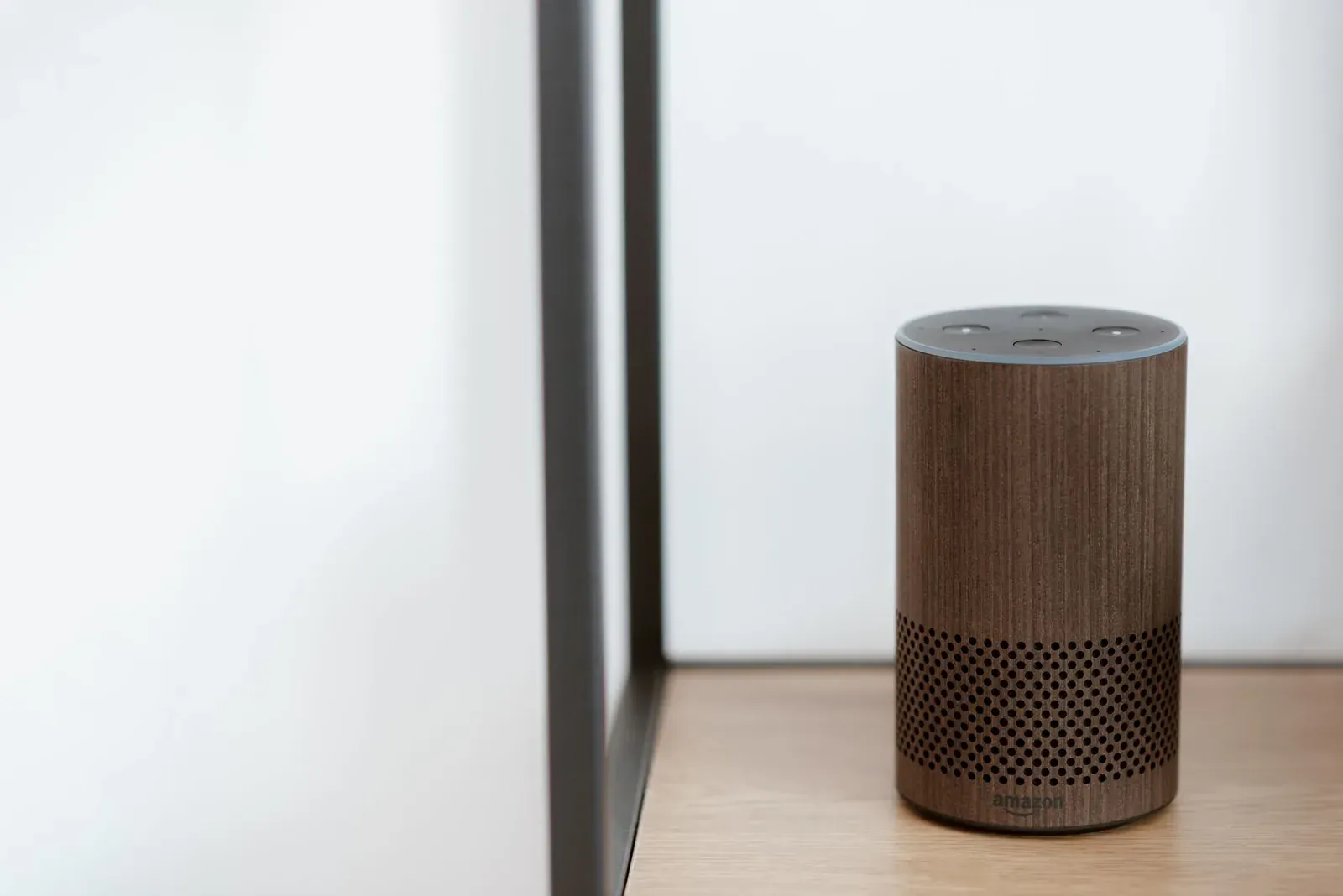
- Uses border routers you may already own, like a HomePod or many Echo and Nest devices
- Smaller but fast-growing device catalog; firmware maturity still varies by brand
If you're weighing the standards more broadly — including the older Z-Wave protocol — our companion pieces go deeper: Matter vs Zigbee vs Z-Wave: Which Standard Wins? and Matter vs Thread: What's the Difference? (a common confusion: Matter is the application layer that defines how devices talk; Thread is one of the radios it can ride on).
Which should you choose?
Match the radio to the job rather than chasing a single “winner.”
- Cameras, video doorbells, smart displays, and Wi-Fi-only speakers → Wi-Fi. They move too much data for a low-power mesh, and they're plugged in anyway, so power draw isn't a concern.
- A handful of plugs or bulbs and no desire to manage a hub → Wi-Fi is fine. Just keep the count reasonable and watch your router's client load.
- Lots of sensors, bulbs, plugs, and locks — and you want them off your Wi-Fi → Thread if you're buying new and want Matter and multi-ecosystem flexibility; Zigbee if you value the mature, low-cost catalog and already own (or don't mind buying) a hub.
- You already own a HomePod, a newer Echo, or a Nest Hub → lean Thread, because you likely already have a border router. See Best Thread Border Routers You May Already Own.
A reasonable modern default for a new build-out: Wi-Fi for the few high-bandwidth devices, Thread for everything small and low-power, and Zigbee where a specific product you want only comes in Zigbee. Mixing all three in one home is normal and expected — your voice assistant or hub ties them together regardless of radio.
Setup and troubleshooting differences
The radio also shapes how setup and fixes go.
- 1Identify the radio on the box or product page (Wi-Fi, Zigbee, or “Matter over Thread”)
- 2Confirm the infrastructure it needs — nothing for Wi-Fi, a hub for Zigbee, a border router for Thread
- 3Add it in your ecosystem app (Alexa, Google Home, or Apple Home) following the in-app prompts
- Wi-Fi setup hinges on your phone, the app, and your 2.4 GHz band. Most setup headaches here are band steering, weak signal, or a password typo — we walk through them in Smart Device Won't Connect to Wi-Fi During Setup? 10 Fixes.
- Zigbee and Thread setup depends on a healthy mesh. If a far-away sensor is flaky, the fix is usually adding a mains-powered repeater between it and the hub or border router, not moving your router. Thread's self-healing helps here, but it still needs enough repeating nodes to route through.
- Adding Matter devices (Wi-Fi or Thread) uses a QR code and a consistent flow across ecosystems — see How to Add a Matter Device to Alexa, Google or Apple Home.
Frequently asked questions
Is Thread better than Zigbee?
Neither is strictly better — they solve the same low-power mesh problem differently. Thread speaks IP natively, self-heals, and is built into Matter, which makes it more future-proof for multi-ecosystem setups. Zigbee has a far larger, cheaper, more mature device catalog and years of proven reliability. If you're starting fresh and want Matter, lean Thread; if a specific affordable device only comes in Zigbee, that's a fine reason to use it.
Do Wi-Fi smart devices slow down my home network?
Individually, no — a smart plug sends tiny status messages. The issue is volume: each Wi-Fi device is a separate client on your router, and consumer routers can become unstable past a few dozen clients. If you plan dozens of small devices, putting them on Zigbee or Thread keeps them behind one hub instead of flooding your router's client list.
Can I mix Wi-Fi, Thread, and Zigbee in the same home?
Yes, and most smart homes do. The radios coexist fine — your assistant or hub presents them all the same way once they're added. The main things to manage are having the right infrastructure for each (a Zigbee hub, a Thread border router) and avoiding Wi-Fi channel congestion, since Wi-Fi and these meshes share the 2.4 GHz band.
Does Thread or Zigbee interfere with my Wi-Fi?
They all use the 2.4 GHz band, so heavy overlap can cause interference, but it's usually manageable. Thread and Zigbee operate on specific channels, and many setups simply work without tuning. If you see dropouts, the common fix is shifting your Wi-Fi to a less crowded channel or moving a hub away from the router, rather than relocating every device.