Best Thread Border Routers You May Already Own
If you own a recent Amazon Echo, Google Nest, or Apple HomePod, there's a good chance you already have a Thread border router sitting on a shelf — no extra purchase required. A Thread border router is the bridge that lets low-power Thread devices (many Matter locks, sensors, and bulbs) reach your Wi-Fi network and the internet. The catch is that not every model in each lineup includes a Thread radio, and the one you own is usually tied to a specific ecosystem (Alexa, Google Home, or Apple Home). Below we sort out which common devices qualify, what each is best at, and who should lean on which.
How we picked
SmartHomeSensei doesn't run a testing lab, so these picks are built from manufacturer specifications, the Connectivity Standards Alliance's Matter and Thread documentation, and the official Alexa, Google Home, and Apple Home help resources, cross-checked against well-documented community-forum behavior. We focused on devices that (1) ship with a Thread radio and are officially described as Thread border routers, (2) are common enough that many people already own one, and (3) integrate cleanly with a major smart-home platform. We did not score or rank devices on performance — real-world reliability depends heavily on your Wi-Fi, device placement, and how many Thread accessories you run. If you want the background on what this hardware actually does, see What Is a Thread Border Router (and Do You Need One)?
The picks at a glance
| Device | Ecosystem | Form factor | Network connection |
|---|---|---|---|
| Apple HomePod mini | Apple Home | Small speaker | Wi-Fi |
| Apple TV 4K (Wi-Fi + Ethernet) | Apple Home | Streaming box | Wi-Fi or wired |
| Amazon Echo (4th gen) | Alexa | Sphere speaker | Wi-Fi |
| eero (Thread-capable models) | Alexa | Mesh Wi-Fi router | Wired backhaul + Wi-Fi |
| Google Nest Hub (2nd gen) | Google Home | Smart display | Wi-Fi |
| Google Nest Wifi Pro | Google Home | Mesh Wi-Fi router | Wired backhaul + Wi-Fi |
Apple HomePod mini — the easy default for Apple Home
Why it fits: The HomePod mini was one of the first widely owned devices to include a Thread radio, and Apple treats it as a full Thread border router for the Apple Home ecosystem. Plug it in, sign into your Apple Home, and any Matter-over-Thread accessory you add through the Home app can route through it. Because the mini is inexpensive and people often own two or three, it also quietly improves Thread mesh coverage as you spread them around the house.
Who it's for: iPhone-centric households that manage devices in Apple Home and want the lowest-friction path to Thread. If you're choosing between platforms first, our Matter vs Thread explainer is worth a read before you commit.
Apple TV 4K (Wi-Fi + Ethernet) — the wired, always-on anchor
Why it fits: The higher-storage Apple TV 4K models that include an Ethernet port also include a Thread radio and act as a border router. The advantage over a speaker is placement: an Apple TV usually lives by the TV, stays powered around the clock, and can be wired straight into your router for a rock-steady backhaul. That makes it a strong "home base" for Apple Home alongside one or more HomePods.
Who it's for: Apple Home users who want a dependable, hardwired Thread anchor and already stream on an Apple TV.
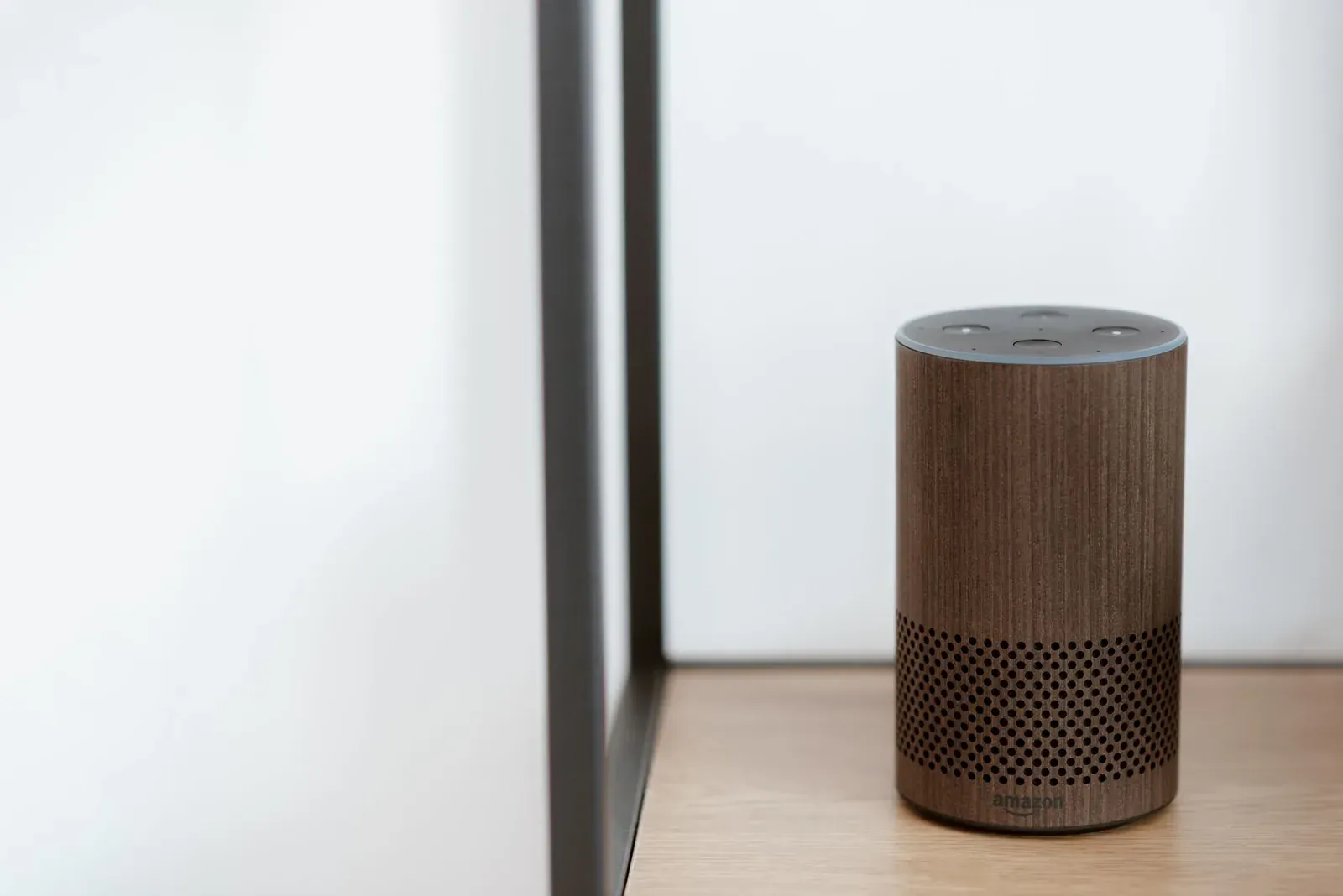
Amazon Echo (4th gen) — Thread for Alexa households
Why it fits: The 4th-generation Echo (the spherical one) includes a Thread radio and works as a border router within the Alexa ecosystem. If your home already runs on Alexa routines and skills, this lets you add Matter-over-Thread accessories without buying separate hub hardware. Note that not every Echo qualifies — older Echo Dots and earlier Echo generations don't include Thread — so check the exact model.
Who it's for: Alexa-first homes that own a 4th-gen Echo and want to grow into Thread. To get more out of the platform afterward, see How to Create Alexa Routines.
eero (Thread-capable models) — coverage that follows your Wi-Fi
Why it fits: Several eero mesh units include a Thread radio and act as border routers, which is a natural fit because your eero nodes are already distributed for Wi-Fi coverage — exactly where you'd want Thread reach too. Since Amazon owns eero, these tie into the Alexa world. Because eero models and their radios vary, confirm Thread support for your specific unit before relying on it.
Who it's for: People who run an eero mesh and want Thread coverage that mirrors their Wi-Fi footprint without adding gadgets.
Google Nest Hub (2nd gen) — a screen that doubles as a router
Why it fits: The 2nd-generation Nest Hub includes a Thread radio and serves as a border router for the Google Home ecosystem. It's a common device — many people bought one as a bedside display or kitchen screen — so it's often already in place. Pair it with the Google Home app to add Matter-over-Thread devices.
Who it's for: Google Home users who own a 2nd-gen Nest Hub and want Thread without new hardware.
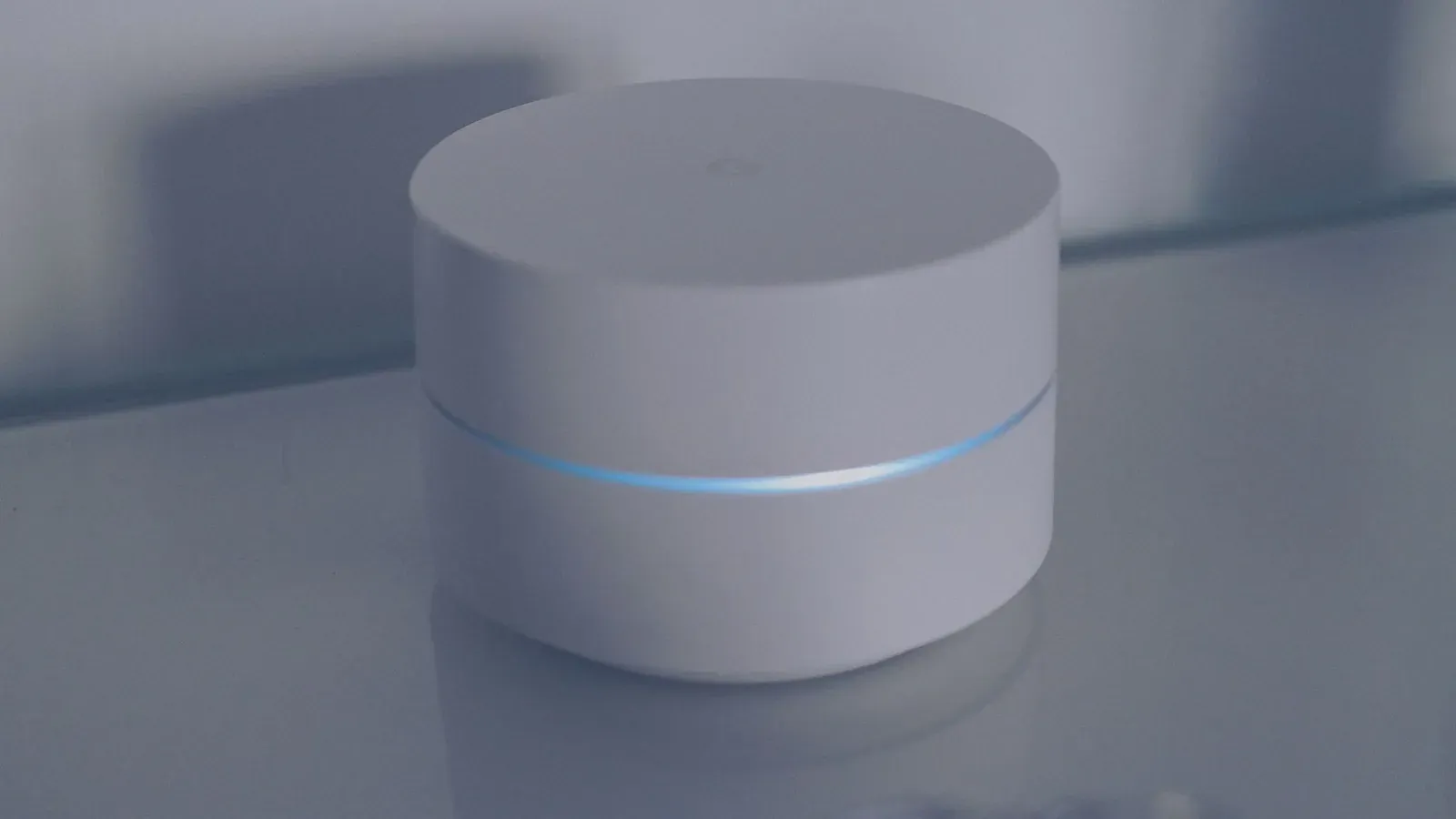
Google Nest Wifi Pro — Google's whole-home option
Why it fits: The Wi-Fi 6E Nest Wifi Pro includes a Thread radio in each point, so a multi-pack spreads border-router coverage across the house while doing its day job as your router. For Google Home households that are also upgrading their network, it folds two purchases into one.
Who it's for: Google Home users replacing or expanding their mesh who want Thread baked into the network gear.
- Cheap and easy to add more units for better mesh reach
- Coverage limited to wherever you place the speaker
- Thread reach mirrors your Wi-Fi footprint automatically
- Tied to upgrading or buying network hardware
What "already own one" really means
Three practical caveats keep this from being plug-and-play:
- It's model-specific. Thread lives in the radio, and brands ship the same product name across generations. A 4th-gen Echo has Thread; an older one doesn't. Always confirm the exact model.
- It's ecosystem-bound. Your border router belongs to whichever platform set it up. An Alexa Echo won't act as a border router for Apple Home, and vice versa.
- Setup happens in the app, not on the device. You add a Matter-over-Thread accessory through the Alexa, Google Home, or Apple Home app, and the platform quietly assigns a border router. Our guide to adding a Matter device to Alexa, Google, or Apple Home walks through the flow.
- 1Confirm your device’s exact model includes a Thread radio
- 2Make sure it’s powered and on the same network as your phone
- 3Add your Matter device in the matching app (Alexa, Google Home, or Apple Home)
- 4Let the platform assign the border router automatically
Frequently asked questions
Can I use more than one border router at the same time?
Yes. Thread is designed for multiple border routers to coexist, and having several improves coverage and redundancy. Within one ecosystem the platform coordinates them for you. Running border routers from different ecosystems (say, a HomePod and an Echo) is fine too, though each typically manages its own Thread network. If you want one accessory shared across platforms, read up on Matter multi-admin.
How do I know if my specific device has Thread?
Check the manufacturer's spec page for your exact model and generation. The most reliable signal is the radios listed in the technical specifications — look for "Thread" explicitly. Don't assume based on the product name alone, since brands reuse names across hardware revisions.
Do I still need Wi-Fi if I have a Thread border router?
Yes. The border router's whole job is to connect Thread devices to your regular network and the internet, so a working Wi-Fi (or wired) connection is required. If a device is struggling to come online during setup, our connection-troubleshooting guide covers the common fixes.
Is buying a dedicated border router ever worth it?
For most people, no — if you already own a qualifying Echo, Nest, or HomePod, that's enough to start. A dedicated unit mainly makes sense for large homes, dense Thread setups, or when you want a hardwired, always-on anchor independent of speakers and displays.