What Is a Thread Border Router (and Do You Need One)?
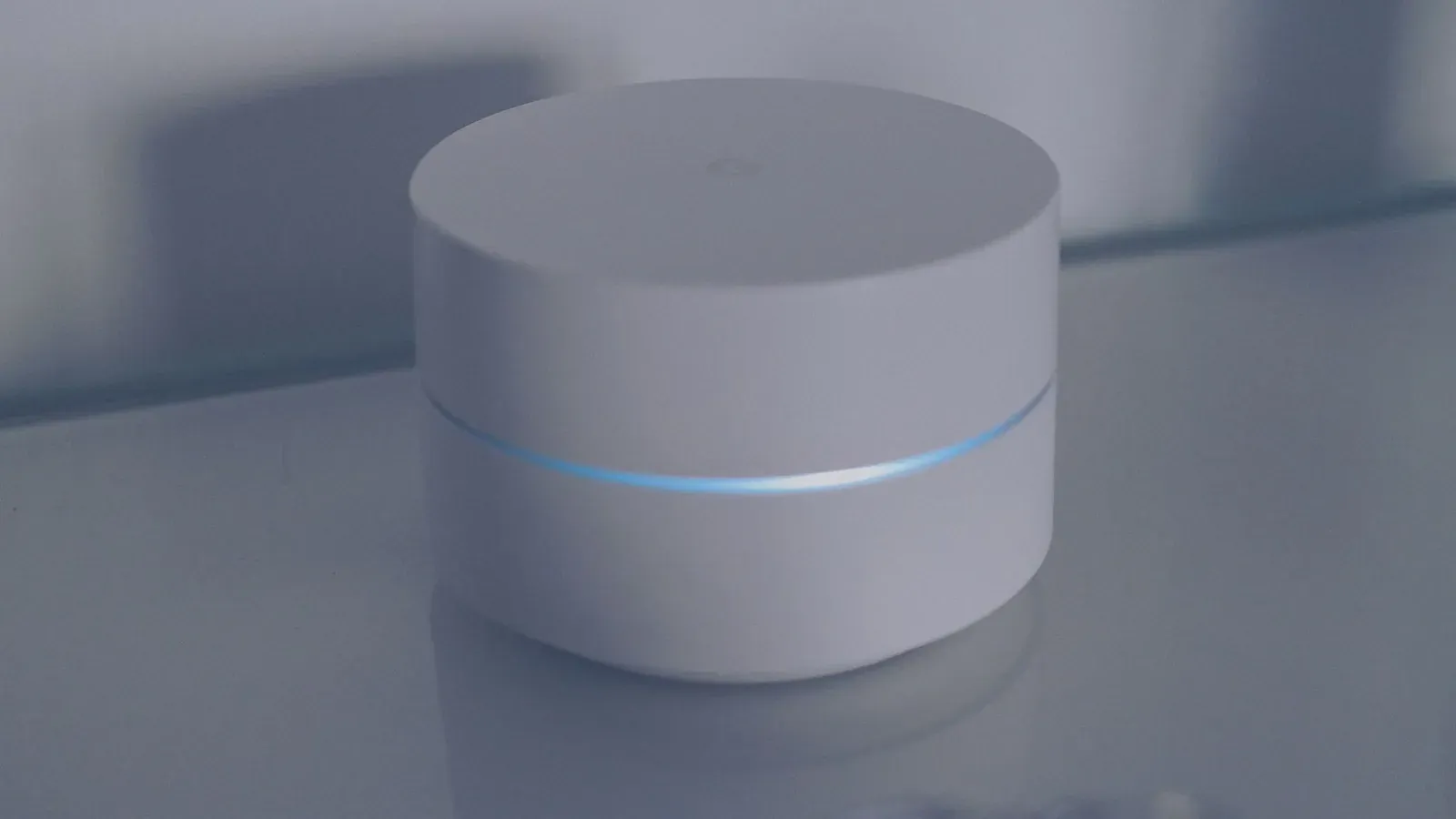
A Thread border router is a device that connects your low-power Thread smart-home gadgets to your regular home network and the internet. Thread devices speak their own efficient, low-energy radio language and form a self-healing mesh, but on their own they have no way to reach your Wi-Fi, your phone app, or the cloud. The border router is the translator and gateway that bridges that gap. As for whether you need one: if you own (or plan to own) any Thread-based device, then yes, you need at least one border router on your network — but the good news is you very likely already have one built into a smart speaker, hub, or streaming device you bought for another reason.
What a Thread border router actually does
Thread is a wireless mesh networking protocol designed for low-power devices like sensors, locks, and bulbs. It runs on the same 2.4 GHz radio band concept as Zigbee, uses IPv6 addressing, and lets devices relay messages for one another to extend range. What Thread deliberately does not do is connect directly to the wider internet. That's where the border router comes in.
A border router sits at the edge of the Thread mesh (the "border") and performs three core jobs:
- Routing between networks: It passes traffic between the Thread network and your standard IP network (Wi-Fi or Ethernet), so a Thread sensor can ultimately reach an app or cloud service.
- Address translation and advertising: Because Thread uses IPv6, the border router handles the addressing and service discovery that lets other devices on your network find and talk to Thread devices.
- Always-on presence: A border router is mains-powered and stays awake constantly, giving battery devices a reliable, low-effort path off the mesh.
Crucially, a border router is not a controller or an app. It moves packets; it does not, by itself, decide what your devices do. That logic lives in your smart-home platform (Apple Home, Google Home, Amazon Alexa, Home Assistant, SmartThings, and so on). If you want a fuller picture of how Thread relates to the Matter standard that often rides on top of it, see our companion explainer, Matter vs Thread: What's the Difference?
Why Thread needs a border router at all
It can feel odd that a modern wireless device can't just join your Wi-Fi like a phone or laptop. The reason is intentional design. Thread is built for devices that may run on a coin-cell battery for years, so its radio is tuned for tiny, infrequent bursts of data rather than the constant chatter of Wi-Fi. Stripping out the heavy networking stack is exactly what makes Thread efficient — but it also means each device is, on its own, an island.
The border router restores the missing link without forcing every battery device to carry power-hungry Wi-Fi hardware. One always-on bridge serves the whole mesh. This is also why Thread networks are described as self-healing: if a relaying device drops off, the mesh reroutes around it, and as long as at least one border router remains reachable, the network keeps functioning.
Do you already own one?
This is the question that saves most people money. Manufacturers have quietly built Thread border routers into many mainstream products, because they want their hubs and speakers to be the heart of your Matter-and-Thread home. If you own any of the following, you may already have a working border router on your network:
- Apple: HomePod (2nd gen), HomePod mini, and Apple TV 4K models with Thread support act as border routers for an Apple Home setup.
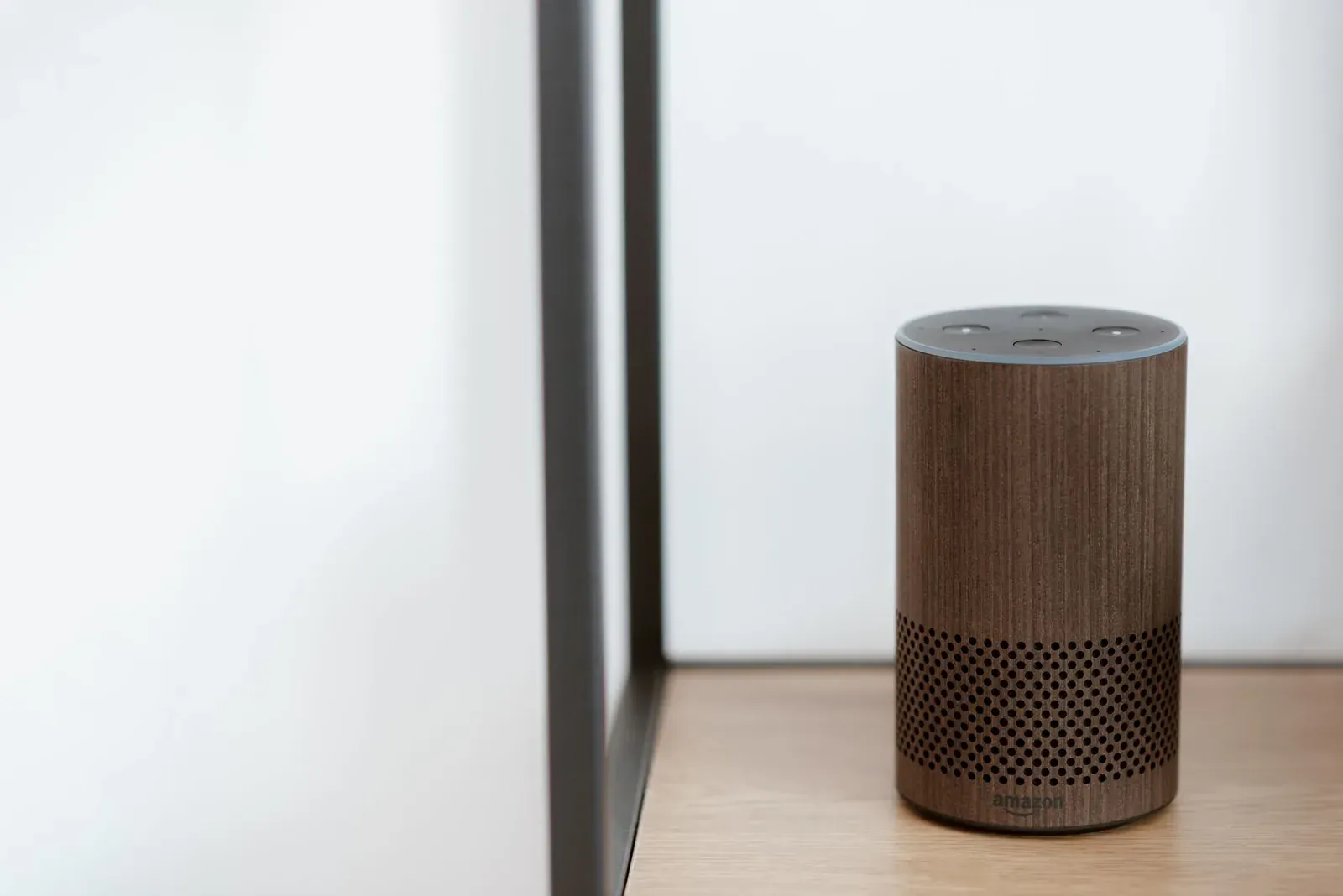
- Amazon: Several newer Echo devices include Thread radios that serve as border routers within the Alexa ecosystem.
- Google: Nest Hub (2nd gen), Nest Hub Max, and Nest Wifi Pro can act as Thread border routers for Google Home.
- Samsung SmartThings: Certain SmartThings hubs and compatible Aeotec hubs include Thread support.
- Home Assistant: The Home Assistant Connect ZBT-1 (formerly SkyConnect) or a Home Assistant Yellow can provide an Open Thread Border Router.
Because these are added through software and hardware updates over time, always confirm Thread support for your specific model and platform in the manufacturer's current documentation rather than assuming. A device that's Thread-capable on one platform may not expose that border router to a different platform.
When you might actually need to buy one
You'd buy a standalone or dedicated border router in a few specific situations:
- You're starting with Thread devices but own none of the hubs or speakers listed above.
- You run Home Assistant or another DIY platform and want a dedicated, controllable Thread radio rather than relying on a consumer speaker.
- Your home is large and your single border router can't keep the whole mesh reliably connected, so you add a second one to improve coverage.
For most people buying their first Thread device — say, a smart lock or a temperature sensor — the device's packaging or app will tell you which border-router-equipped hubs it works with. If you have one, setup is usually just a matter of adding the device in your platform's app.
- 1Pick the smart-home platform you’ll use (Apple, Google, Alexa, SmartThings, or Home Assistant)
- 2Confirm you own a device on that platform that can act as a Thread border router
- 3Add your Thread device in that platform’s app, which routes it through the border router automatically
Border router vs. a traditional hub
People often conflate "border router" with "smart-home hub." They overlap but aren't the same thing. The table below clarifies the roles.
| Aspect | Thread border router | Smart-home hub / controller |
|---|---|---|
| Main job | Bridge Thread mesh to your IP network | Run automations and let you control devices |
| Talks to the internet? | Provides the path, doesn't decide logic | Yes, handles app and cloud control |
| Where it lives | Often built into a speaker, hub, or TV box | App, hub, or cloud service for your platform |
| Can one device be both? | Yes — many products (e.g., a Nest Hub or HomePod) are both a border router and a controller | |
- No extra purchase needed in most cases
- Add Thread devices straight from your platform’s app
- Budget for a border-router-capable device first
- A speaker or streaming box often doubles as one
Frequently asked questions
Can I have more than one Thread border router?
Yes, and in larger homes it's common. Within a single platform, multiple border routers can cooperate on the same Thread network to improve range and reliability. Across different platforms (say, Apple Home and Google Home), you may simply end up with separate border routers serving separate Thread networks, which the platforms manage independently.
Is a Thread border router the same as a Matter controller?
No. Matter is the application-layer standard that lets devices work across ecosystems; Thread is the underlying network many Matter devices use. A Matter controller decides and manages device behavior, while a Thread border router just provides the network bridge. A single product often performs both roles, which is why the terms get blurred.
What happens if my border router goes offline?
Your Thread devices lose their path to the internet and to remote control, though local mesh links between devices can persist. If you have a second border router on the same network, the mesh can route through it instead. With only one, you'll generally restore service once that device is back online.
Do all Thread devices need their own border router?
No. One border router serves an entire Thread mesh of many devices. You don't add a border router per gadget — you need at least one reachable border router on the network, and the rest of your Thread devices share it.