Why Your Smart-Home Devices Respond Slowly (and How to Fix Lag)
If you flip a switch or say a command and your smart light, plug, or lock hesitates for a second or two before reacting, the delay almost always comes down to how far the signal has to travel and how many systems it passes through. A local command on a healthy network can complete in well under a second; a command that bounces to a cloud server and back, or fights through a congested Wi-Fi channel, can easily take two to five seconds. Lag is rarely the device being "slow" in isolation — it's the chain between your voice or tap and the device that's the bottleneck. Below is how that chain works and where it usually breaks.
The path a command actually takes
Understanding the delay starts with picturing the route. When you tap a button in an app or speak to an assistant, the request can travel one of two very different ways.
A cloud round-trip path goes: your command → your phone or speaker → your router → the internet → the manufacturer's server → back through the internet → your router → the device. Every hop adds milliseconds, and if any link is slow, the whole thing stalls. A local control path stays inside your home: your command reaches a hub or border router on your own network, which talks directly to the device over a low-power radio. No internet, no server queue.
This is why two identical-looking smart plugs can feel completely different. One that relies on the maker's cloud will lag when that cloud is busy or your internet is congested; one that responds locally over Thread or Zigbee reacts almost instantly because the signal never leaves the building.
The most common causes of lag
In practice, slow responses trace back to a short list of culprits. Usually more than one is at play.
- Cloud dependency. Devices that route every command through a manufacturer server are at the mercy of that server's load and your internet quality. Outages or throttling on the provider's side show up in your living room as lag.
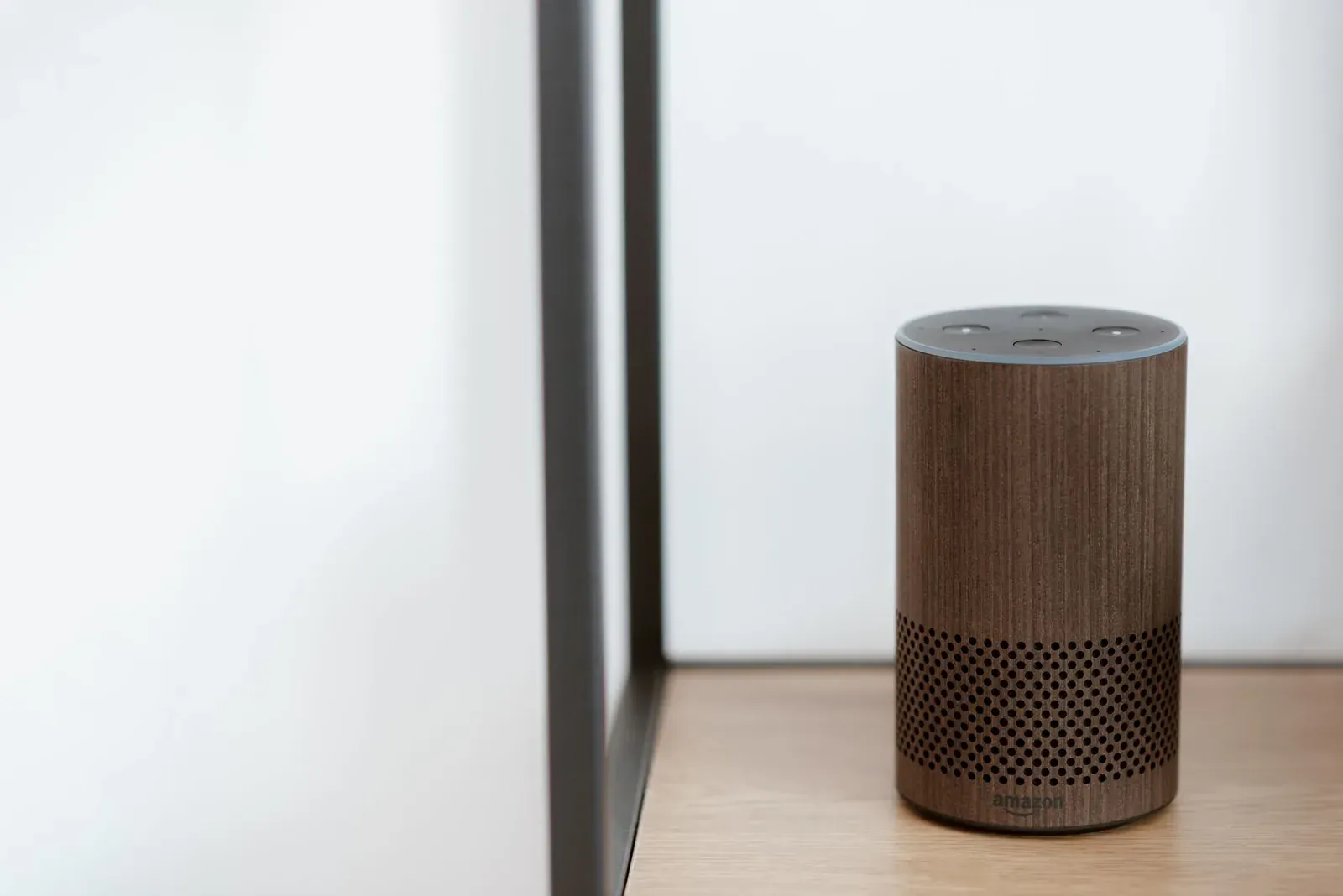
- Voice-assistant processing. A spoken command adds steps: your speech is captured, sent to the assistant's cloud to be transcribed and interpreted, matched to a device, then the device command is issued. That's why voice often feels slower than tapping the app.
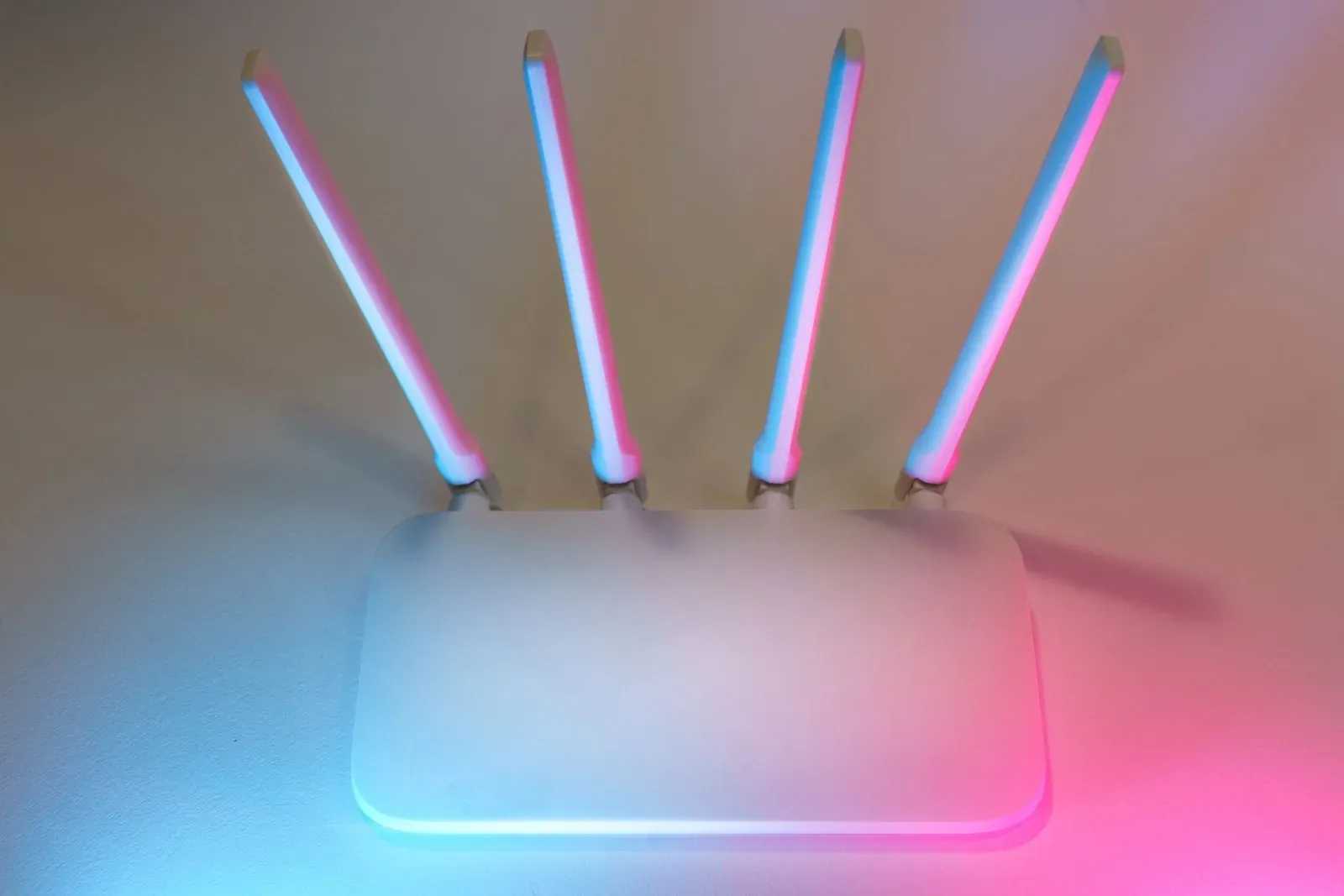
- Wi-Fi congestion and weak signal. Wi-Fi devices that sit far from the router, or share a crowded 2.4GHz channel with neighbors and microwaves, drop packets and retry. Those retries are invisible — they just look like delay.
- Too many devices on one network. Budget routers can struggle once a few dozen smart devices, phones, and TVs are all connected. Cheap smart plugs and bulbs are especially demanding because they're always connected but rarely powerful.
- Overloaded or distant hub. A Zigbee, Z-Wave, or Thread network depier on mesh routing. If too few mains-powered devices act as repeaters, or the hub is tucked in a closet, signals take a longer, slower path.
- Routines stacking actions. A routine that toggles ten devices in sequence can look laggy simply because each action fires one after another.
Cloud vs. local: why the protocol matters
The biggest lever you have over response time is whether a device can be controlled locally. Here's how the common approaches compare.
| Approach | Where commands run | Typical responsiveness | Survives internet outage? |
|---|---|---|---|
| Wi-Fi + manufacturer cloud | Maker's server, then device | Variable; depends on internet and server load | Often no |
| Zigbee / Z-Wave hub | Local hub on your network | Fast and consistent | Usually yes (local control) |
| Thread / Matter | Local mesh via a border router | Fast; designed for low latency | Yes for local commands |
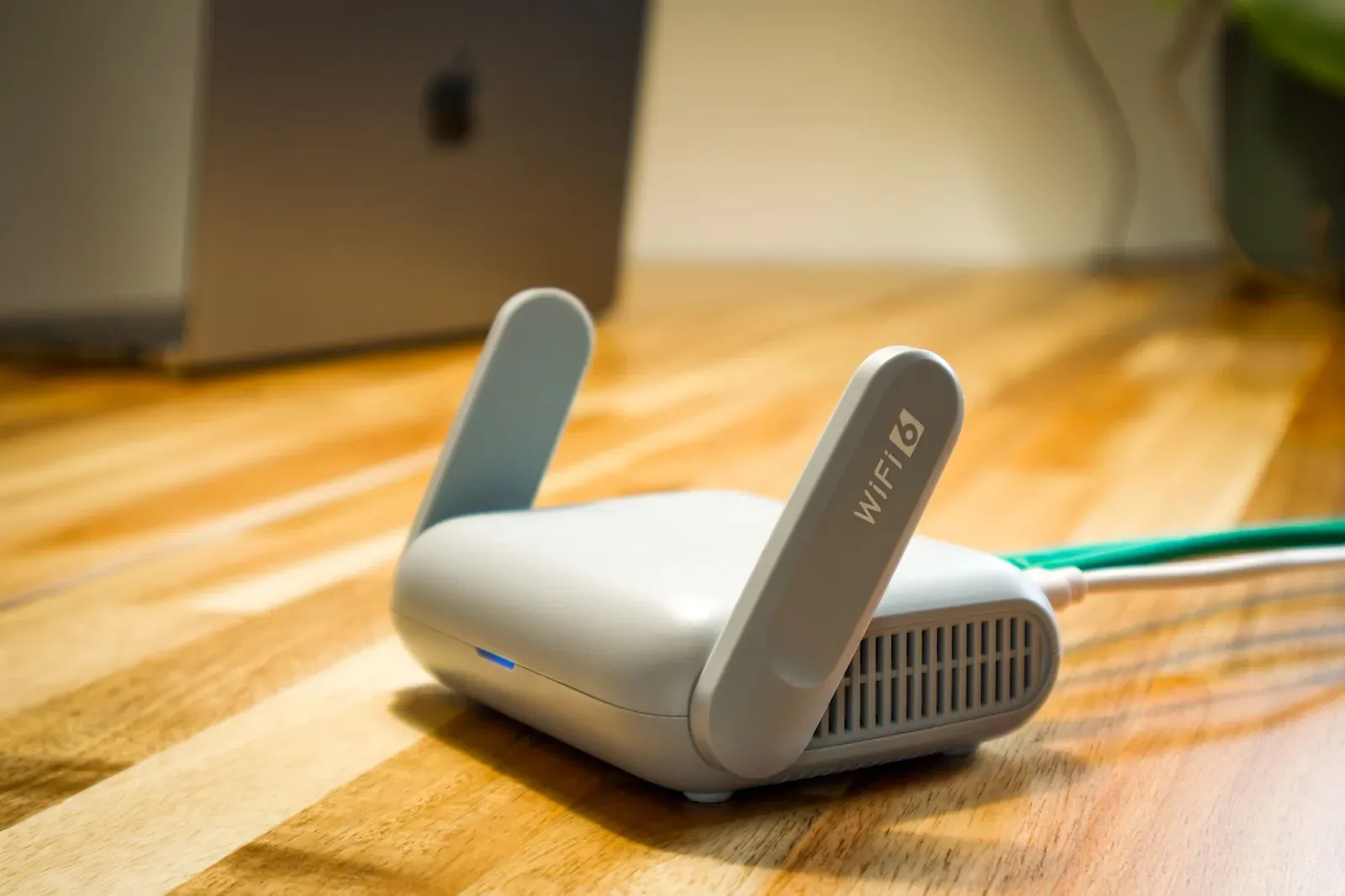
Matter and Thread were designed specifically to keep routine commands local and quick. Thread is a low-power mesh where mains-powered devices extend the network, and a Thread border router bridges that mesh to your main network. If you're weighing standards, our explainers on Matter vs. Thread and Matter vs. Zigbee vs. Z-Wave go deeper into the trade-offs. The practical takeaway for lag: locally controllable devices almost always feel snappier than cloud-only Wi-Fi gadgets.
How to diagnose and fix the lag
Work from the network outward. The goal is to figure out whether the problem is one device, your Wi-Fi, your hub/mesh, or the cloud — then fix that specific link.
- 1Test whether one device or all devices are slow, and whether app taps lag as much as voice
- 2Move the controlling hub, speaker, or border router away from walls and interference and central to your devices
- 3Reduce Wi-Fi load: split 2.4/5GHz, pick a clean channel, and reboot the router
- 4Prefer local control — add a hub or Thread border router so commands stay in your home
- 5Update firmware on devices, hubs, and the router, then re-test
- Isolate the scope. If only one device lags, focus on its signal and power source. If everything lags, suspect the router, internet, or hub.
- Compare voice vs. app. If tapping the app is fast but voice is slow, the assistant's cloud processing is the bottleneck — not the device.
- Strengthen the radio path. Add mains-powered devices to act as Zigbee/Thread repeaters, and don't bury hubs in metal cabinets.
- Ease Wi-Fi congestion. A separate 2.4GHz network name, a less crowded channel, and a periodic router reboot resolve a surprising amount of intermittent lag. Our guide on Wi-Fi setup problems covers the same fundamentals.
- Simplify routines. Group lights into a single device group so one command hits them together instead of in sequence — see Alexa device groups for how grouping works.
Frequently asked questions
Why does Alexa or Google take a couple seconds to respond to voice?
Voice adds cloud processing: your speech is sent to the assistant's servers to be transcribed and interpreted before any device command is issued. That round-trip is normal. If app taps are quick but voice is slow, the delay is in that speech step, not your device. A strong internet connection and a nearby speaker help.
Will Matter or Thread make my devices respond faster?
Often, yes — because they're built to keep routine commands local rather than routing them through a distant server. Thread's low-power mesh and Matter's local control reduce the round-trips that cause lag. The benefit is biggest when you're replacing cloud-only Wi-Fi devices. See how to add a Matter device to get started.
Why is only one of my smart devices slow?
A single lagging device usually has a weak radio signal, sits too far from the hub or router, or relies on a busier cloud than your other gear. Check its distance, add a repeater between it and the hub, and confirm its firmware is current before assuming it's faulty.
Does rebooting actually help with lag?
Frequently. Routers and hubs accumulate state and can get congested over weeks of uptime. A reboot clears that and forces a fresh connection. It's a low-risk first move — unlike a factory reset, it doesn't erase your settings or unlink devices.