Smart-Home Wi-Fi: Channels, Bands & a Stable Network
If your smart plugs drop offline, your camera buffers, or new gadgets refuse to pair, the fix is usually your network — not the device. The single most reliable smart-home Wi-Fi practice is to keep a steady, well-named 2.4 GHz network available, give your devices a clear band to join, and avoid crowded channels. You don't always need a separate SSID, but creating one (or at least a dedicated guest network) is the most dependable way to stop pairing failures and random disconnects. This guide walks through the why and the how.
Why bands matter: 2.4 GHz vs 5 GHz
Wi-Fi runs on two main bands, and they behave very differently. Most budget smart-home devices — plugs, bulbs, sensors, many cameras — use 2.4 GHz only. It travels farther and through walls better, which suits low-power gadgets, but it's slower and more crowded. The 5 GHz band is faster with less interference, but its range is shorter and many IoT chips simply don't support it.
| Band | Range | Congestion | Best for |
|---|---|---|---|
| 2.4 GHz | Longer, better through walls | High (lots of devices, microwaves, Bluetooth) | Plugs, bulbs, sensors, most IoT |
| 5 GHz | Shorter, weaker through walls | Lower | Phones, laptops, streaming, some newer cameras |
The classic failure happens during setup. Your phone is on 5 GHz, the smart device only speaks 2.4 GHz, and pairing apps often need both to be on the same band momentarily to hand over Wi-Fi credentials. If a setup stalls here, see our deeper checklist in Smart Device Won't Connect to Wi-Fi During Setup? 10 Fixes.
The "combined SSID" trap on mesh and modern routers
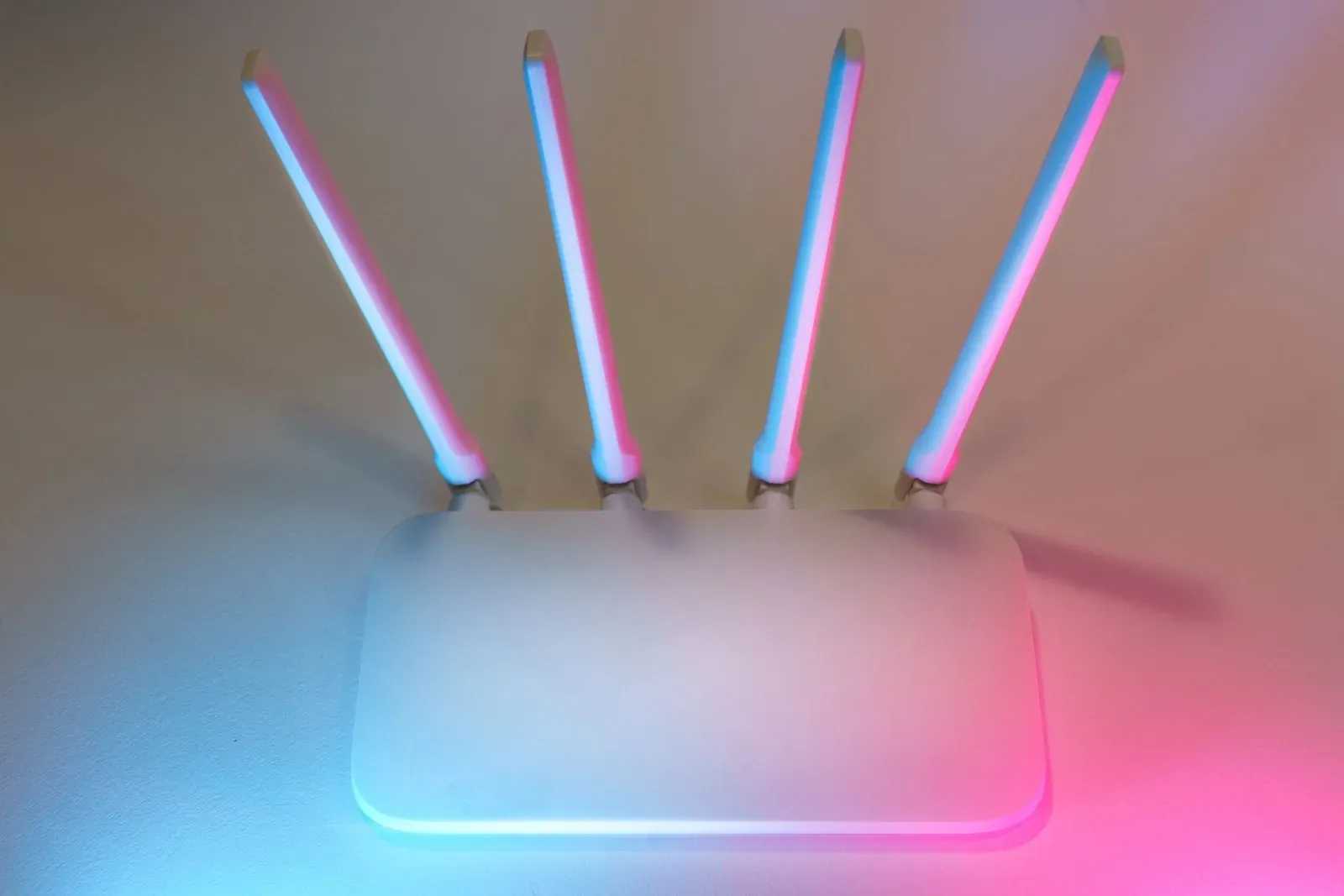
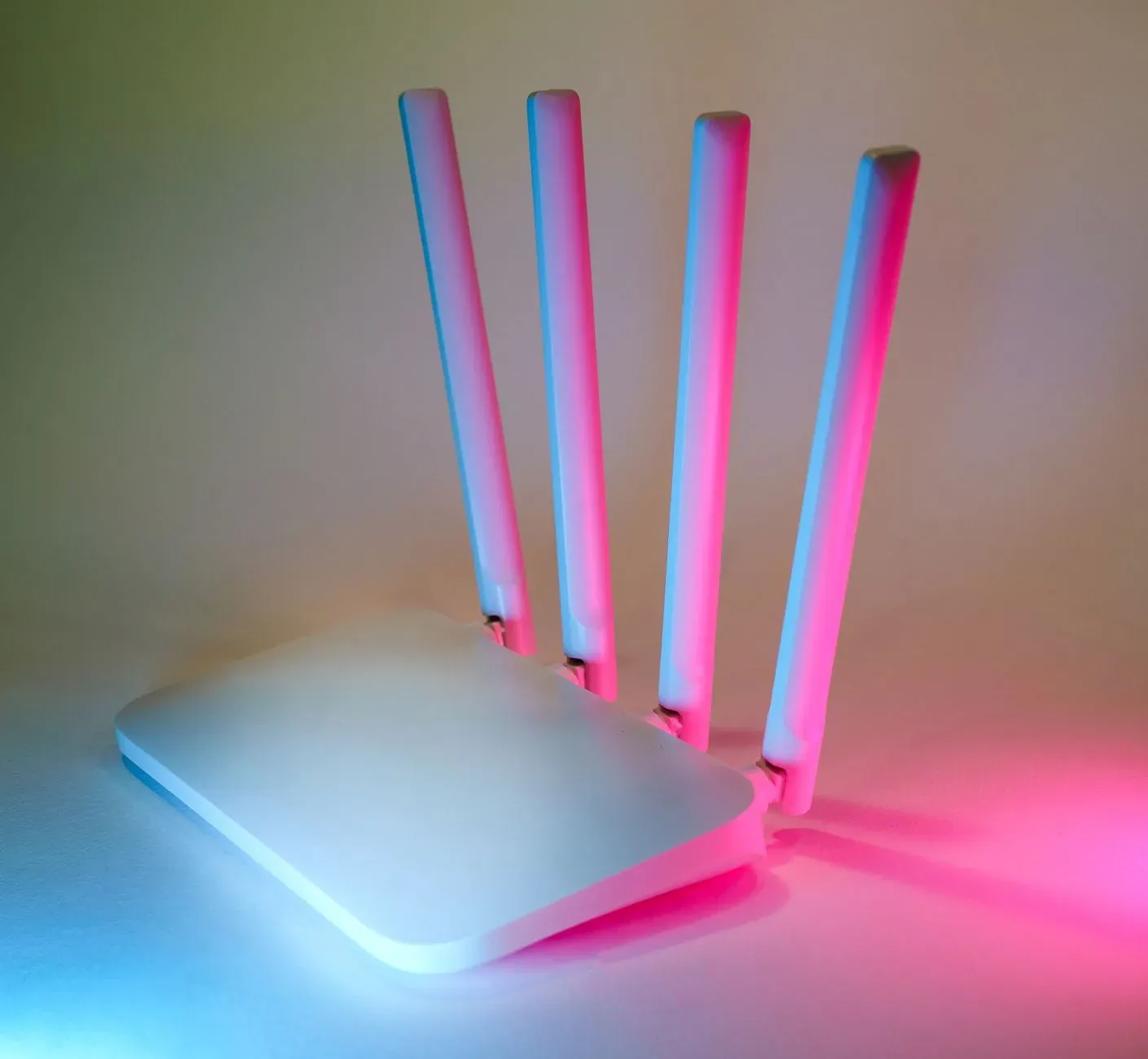
Many mesh systems and ISP routers broadcast 2.4 GHz and 5 GHz under one network name ("band steering"). That's convenient for phones, but it can confuse IoT devices that expect a plain 2.4 GHz network and don't know how to fall back. The router may push your phone to 5 GHz at the worst moment during pairing.
You have two reliable options:
- Temporarily split the bands so a 2.4 GHz-only name exists during setup, then re-combine if you prefer.
- Create a dedicated IoT SSID (or use the guest network) locked to 2.4 GHz and leave it on permanently.
Should you use a separate SSID?
A separate SSID isn't mandatory, but it solves several problems at once: it guarantees a 2.4 GHz-only target, it isolates dozens of chatty devices from your laptops and phones, and it makes future troubleshooting far easier because you know exactly what lives where. Many people use the built-in guest network for this — just confirm it allows the local communication some devices need.
- Simplest to set up, one password
- Band steering can break IoT pairing
- Hard to tell which devices misbehave
- Guarantees a 2.4 GHz target for setup
- Isolates dozens of IoT devices from your main gear
- Easier to diagnose and reset without touching phones/laptops
Pick the right channel on 2.4 GHz
The 2.4 GHz band only has three non-overlapping channels in most regions: 1, 6, and 11. If your router and your neighbors all sit on overlapping channels, devices fight for airtime and drop offline. Many routers auto-select, but auto isn't always smart.
- 1Set 2.4 GHz to channel 1, 6, or 11 (whichever is least used nearby)
- 2Set channel width to 20 MHz on 2.4 GHz for stability
- 3Give your IoT network its own SSID locked to 2.4 GHz
- 4Disable band steering for that network
- 5Reboot the router and re-test a problem device
A free Wi-Fi analyzer app can show which channels neighbors crowd, so you can pick the quietest one. Set the channel width to 20 MHz on 2.4 GHz — wider 40 MHz channels create more overlap and instability in dense areas.
Thread and Matter: a quieter path
Wi-Fi congestion is exactly why low-power standards like Thread exist. Thread devices form their own mesh and reach your network through a border router, taking traffic off your Wi-Fi entirely. If you're adding many small sensors, Thread can dramatically reduce the load — see What Is a Thread Border Router (and Do You Need One)? and our overview in Matter vs Thread: What's the Difference?. Note that Thread border routers and Matter controllers still rely on a healthy Wi-Fi or Ethernet backbone, so the practices above still apply.
Frequently asked questions
Do I really need a separate SSID for smart-home devices?
No, it's optional — but it's the most reliable setup. A separate (or guest) SSID locked to 2.4 GHz guarantees a band your devices can join and isolates dozens of chatty gadgets from your main computers. If you only have a handful of devices and pairing works, a single network is fine.
My device pairs but keeps going offline. Why?
Usually band steering pushing it toward 5 GHz, a weak 2.4 GHz signal, or a congested channel. Lock the device's network to 2.4 GHz, move it within range, and switch to channel 1, 6, or 11. Power-cycling the router after changes helps it re-settle.
Will splitting my bands break my phone or laptop?
No. Phones and laptops happily use 5 GHz. If you create a separate 2.4 GHz IoT network, your everyday devices stay on the faster band and your smart gear gets a stable home of its own.
Should IoT devices go on the guest network?
The guest network works well for isolation, but verify two things: that it isn't forced to 5 GHz, and that client isolation is off so your phone can discover and control devices. If discovery fails, a dedicated main-network SSID is the safer choice.