Do You Still Need a Smart-Home Hub? (2026 Guide)
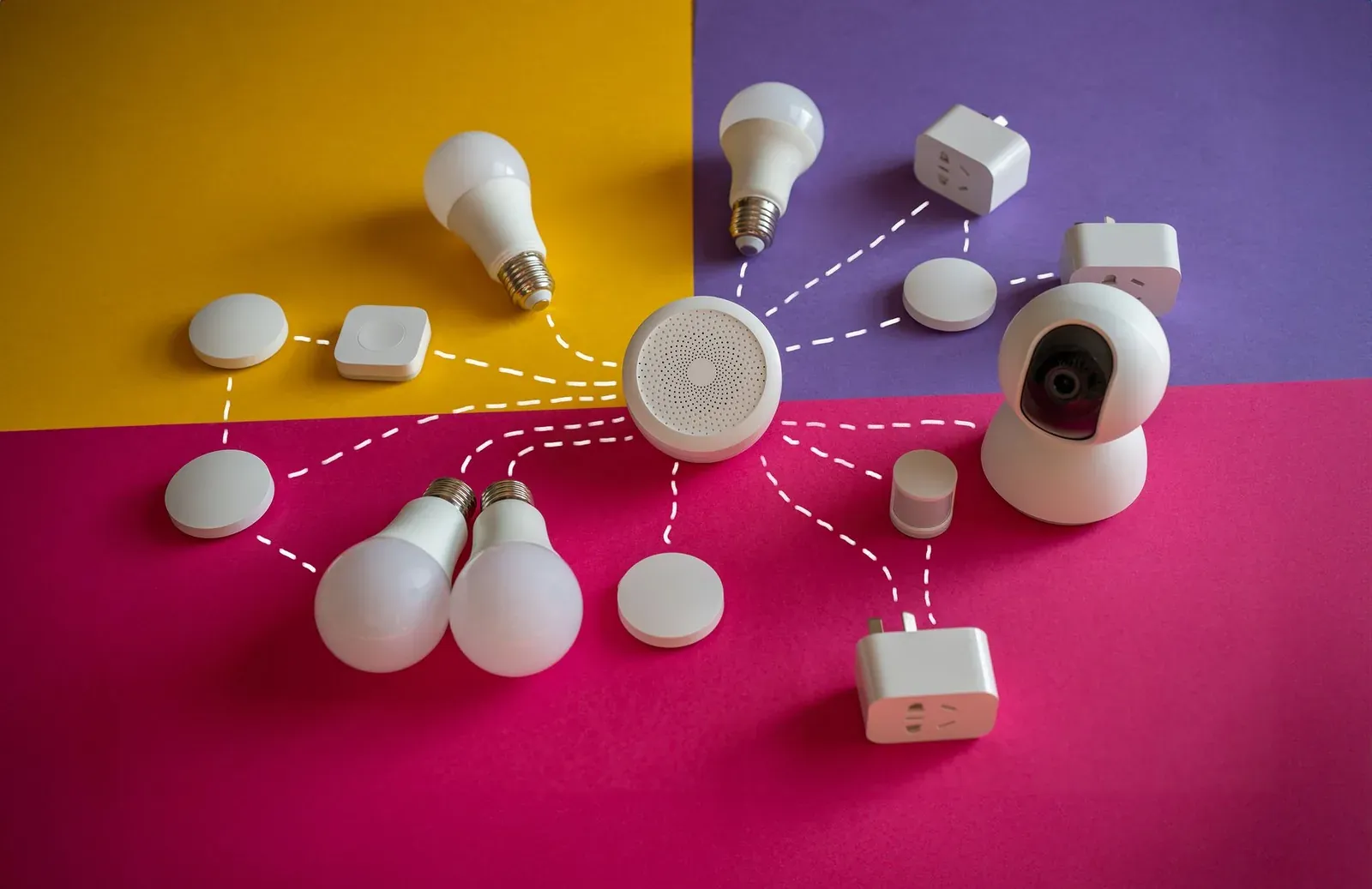
For many modern smart homes, the answer is no — you can run lights, plugs, and cameras over Wi-Fi or Bluetooth with nothing but the manufacturer's app and your router. But "need a hub" is really a question about radios. If you buy devices that speak Zigbee, Z-Wave, or Thread, something in your home has to translate those signals onto your network, and that translator is the hub (or its modern equivalent, a border router). The good news is that the translator is increasingly built into hardware you already own, so the real question isn't "do I need to buy a hub" but "do I already have one running?"
What a smart-home hub actually does
A hub is a bridge between two networks. Your phone, router, and the cloud all speak Wi-Fi and standard internet protocols. A lot of the best low-power smart devices — door sensors, contact sensors, many bulbs and locks — deliberately do not use Wi-Fi, because Wi-Fi is power-hungry and your router can only handle so many connections. Instead they use lightweight mesh radios. The hub listens to those radios on one side and talks to your home network on the other.
Three things a hub gives you that a pure Wi-Fi setup often can't:
- Mesh range and reliability. Zigbee, Z-Wave, and Thread devices relay signals for each other, so a sensor in the garage can reach the hub by hopping through a plug in the hallway.
- Local control. Many hubs process automations on-device, so a motion-triggered light still works when your internet is down.
- Fewer Wi-Fi connections. Thirty Zigbee bulbs appear to your router as one hub, not thirty clients competing for airtime.
When you do NOT need a hub
If everything you're buying connects over Wi-Fi or Bluetooth, you can skip the hub entirely. This covers a large share of mainstream gear:
- Wi-Fi smart plugs and bulbs (many TP-Link Kasa, Wyze, and Amazon Basics devices) join your router directly.
- Wi-Fi cameras and video doorbells stream over your existing network.
- Bluetooth devices pair to your phone or to a nearby speaker for setup, though their range is short.
The trade-off is that each Wi-Fi device is a separate connection on your router, and there's no mesh to extend range — a Wi-Fi sensor far from the router can be flaky. If a Wi-Fi device refuses to join during onboarding, the cause is usually the network, not a missing hub; our guide on a smart device that won't connect to Wi-Fi during setup walks through the common fixes.
When you DO need a hub (or a border router)
You need a hub when your device uses a radio your router and phone can't hear on their own:
- Zigbee — common in Philips Hue, many Aqara sensors, and SmartThings-era gear. Needs a Zigbee coordinator/hub.
- Z-Wave — common in locks and sensors. Needs a Z-Wave hub; the radio is licensed, so it's almost never built into phones.
- Thread — the newer low-power mesh used by many Matter devices. Needs a Thread border router rather than a traditional hub.
Thread is the part that trips people up, because a Thread border router does the same translating job as a classic hub but is usually baked into a speaker or smart display you already bought. It's a hub by function even if nobody calls it one. If you're weighing the underlying radios against each other, Matter vs Zigbee vs Z-Wave breaks down where each one still makes sense.
The hub you probably already own
This is the biggest shift of the last few years. Major ecosystems now ship the hub radios inside ordinary speakers, displays, and routers. According to the manufacturers' own product documentation, devices like these already act as a hub or border router for many setups:
| Device family | Radios it can provide | Acts as a hub for |
|---|---|---|
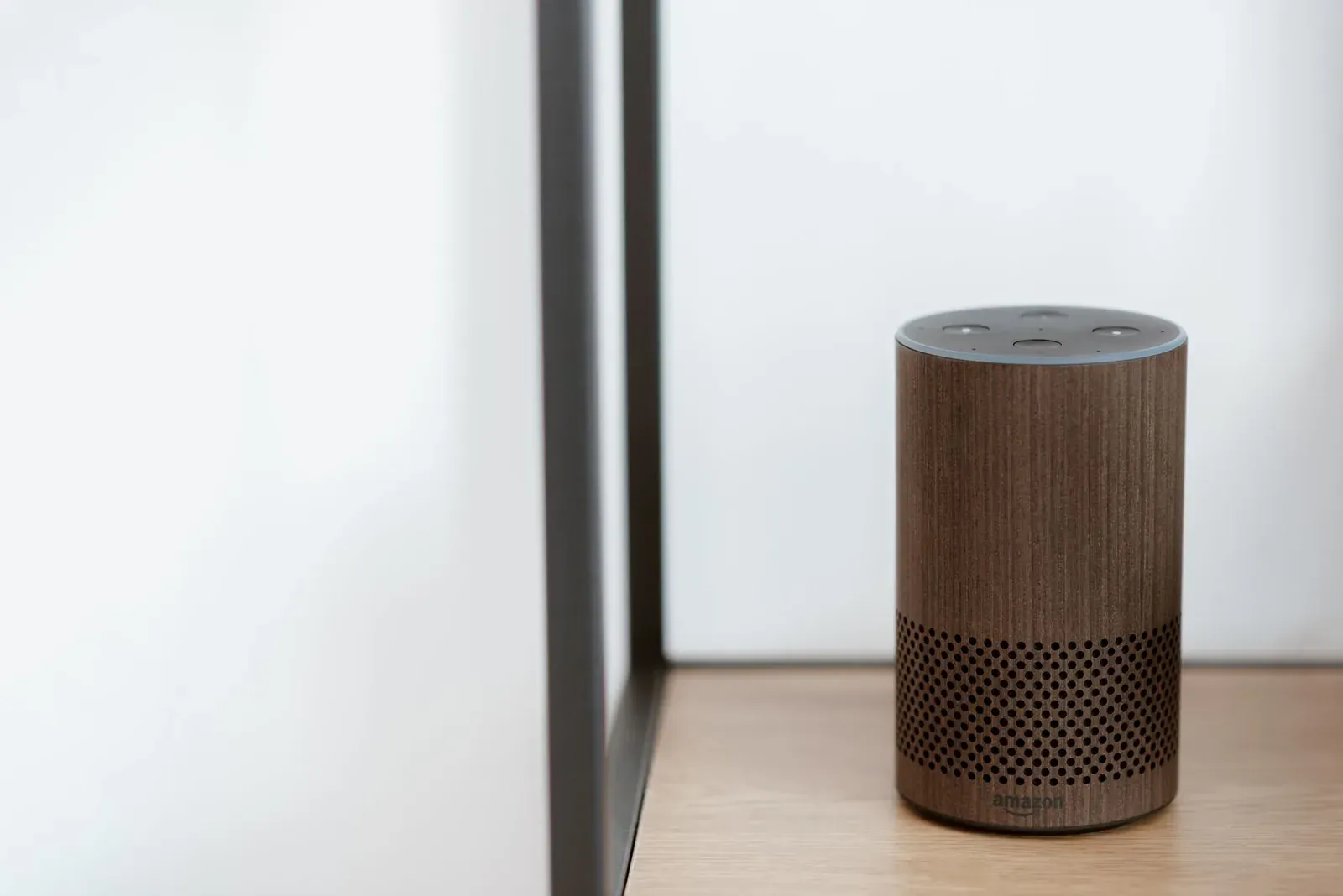
| Newer Amazon Echo (4th-gen and several Echo models) | Zigbee and/or Thread, depending on model | Compatible Zigbee devices; Thread/Matter devices |
| Google Nest Hub (2nd gen), Nest Hub Max, Nest Wifi Pro | Thread | Thread-based Matter devices |
| Apple HomePod, HomePod mini, Apple TV 4K (later models) | Thread | Thread-based Matter devices in Apple Home |
| Samsung SmartThings hubs / compatible TVs & fridges | Zigbee, Thread (varies) | Zigbee and Thread devices |
Because the exact radios vary by model and even by hardware revision, check the spec sheet for your specific unit rather than assuming. A 1st-gen and 2nd-gen device with the same name can differ. Our list of Thread border routers you may already own is a faster way to find out than digging through manuals.
Does Matter remove the need for a hub?
Not exactly — and this is the most common misunderstanding. Matter is an application-layer standard that lets devices from different brands work in Alexa, Google Home, and Apple Home. It runs on top of existing networks: Wi-Fi, Ethernet, and Thread. A Matter-over-Wi-Fi device joins your router with no hub. A Matter-over-Thread device still needs a Thread border router to exist on the network at all.
So Matter doesn't abolish hubs; it standardizes them and often hides them inside gear you own. The Connectivity Standards Alliance, which maintains Matter and Thread, designed it this way on purpose. If the standards themselves are fuzzy, Matter vs Thread explained untangles which is the language and which is the road. When you're ready to onboard, adding a Matter device to Alexa, Google, or Apple Home covers the commissioning step.
- Wi-Fi/Bluetooth devices join the router directly
- Simplest to start; fewer boxes to buy
- More router connections; no mesh to extend range
- Zigbee/Z-Wave/Thread mesh relays signals device-to-device
- Often keeps automations running during internet outages
- Needs a hub or border router, though it may be built in
How to decide for your home
- 1List the devices you own or plan to buy and note each one's radio (Wi-Fi, Bluetooth, Zigbee, Z-Wave, or Thread)
- 2Check whether a speaker, display, or router you already own provides Zigbee or Thread
- 3Buy a dedicated hub only for the radios nothing you own already covers
Most people land in one of three places: an all-Wi-Fi setup that needs nothing extra, a Thread/Matter setup where an existing Echo, Nest, or HomePod is quietly doing the job, or a Zigbee/Z-Wave setup that genuinely benefits from a dedicated hub like SmartThings, Hubitat, or Home Assistant. There's no prize for adding a hub you don't need — but there's real frustration in buying a Zigbee lock with nothing to talk to it.
Frequently asked questions
Can I run a whole smart home with no hub at all?
Yes, if you stick to Wi-Fi and Bluetooth devices. Plugs, bulbs, cameras, and many sensors come in Wi-Fi versions that connect straight to your router and a phone app. You'll trade away the mesh range and local-control benefits of Zigbee, Z-Wave, and Thread, and your router carries more connections, but for a modest setup it works fine.
Is an Amazon Echo or Google Nest a smart-home hub?
Some models are, for some radios. Several newer Echo devices include Zigbee and/or Thread, and recent Nest and HomePod devices include Thread, so they can act as a hub or border router for compatible devices. Capabilities vary by model and revision, so confirm against the spec sheet for your exact unit rather than the product line's name.
Does Matter mean I never need a hub again?
No. Matter is a compatibility layer, not a radio. Matter-over-Wi-Fi devices need no hub, but Matter-over-Thread devices still require a Thread border router on the network. Matter's contribution is making that border router something you likely already own and letting one device work across Alexa, Google, and Apple at once via multi-admin.
Do I need a hub for a smart lock?
It depends on the lock's radio. Wi-Fi and Bluetooth locks don't need a separate hub (Bluetooth-only models need your phone nearby or a bridge for remote access). Z-Wave and Zigbee locks — common for their battery life and local control — do need a compatible hub. Check the lock's listed protocol before buying.