12 Genuinely Useful Alexa Routine Ideas for Your Home
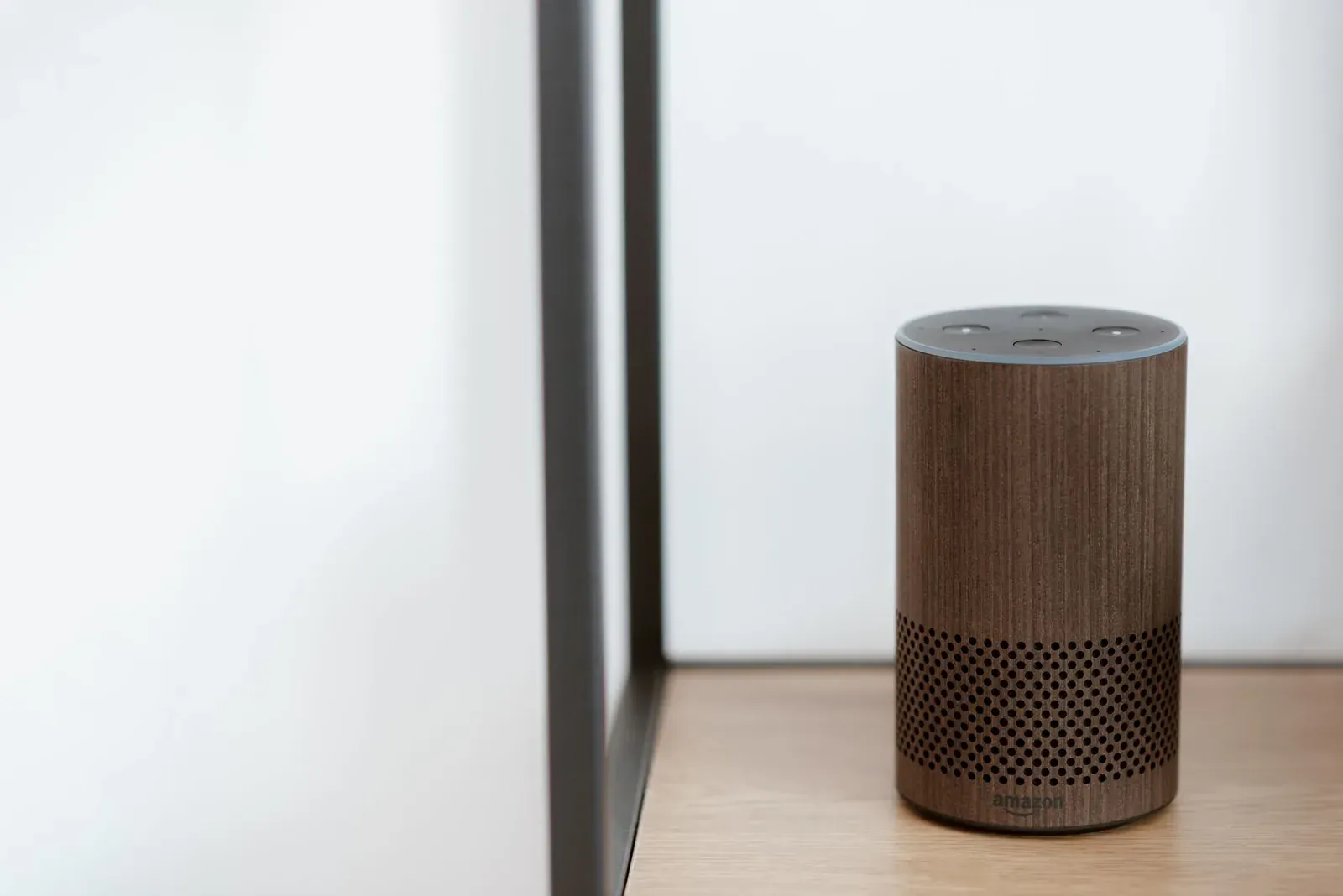
The best Alexa routine ideas for home automation are the ones that quietly remove a repeated chore: lights that follow your schedule, a single "good night" command that locks up the house, or sensors that act before you say a word. A routine is simply a trigger (a voice phrase, a time, a sensor, or sunrise/sunset) paired with one or more actions Alexa performs in order. Below are twelve that consistently prove their worth, why each one helps, and what you need to make it reliable.
If you're brand new to building these, start with our walkthrough on how to create Alexa routines step by step, then come back for ideas worth implementing. Everything here is built in the Alexa app under the routines area; exact menu names shift between app versions, so we describe what to look for rather than a fixed screen.
Daily-transition routines (the ones you'll use most)
These map to the moments your home changes state. They deliver the most value because they fire every single day.
1. Good morning
Trigger it with a phrase like "Alexa, good morning" or, better, a fixed time on weekdays. Useful actions: raise specific lights to a low warm level, read the weather and your first calendar event, and start a music or news briefing. Because mornings are predictable, a time trigger means you never have to speak before coffee.
2. Leaving home
A "goodbye" routine can turn off lights, set smart plugs off, lower a thermostat, and confirm doors are locked. Pair it with the Alexa app's location feature on your phone so it can fire when you leave a geofenced area — but treat geofencing as a convenience, not a security guarantee, since phone location can lag.
3. Arriving home
The reverse: lights on, thermostat back to comfort, and a welcome announcement. An arrival routine is where smart plugs shine for lamps that aren't "smart" — see how to add a smart plug to Alexa if you haven't set yours up.
4. Good night
One "good night" can lock supported smart locks, turn off all lights, set a bedroom fan, lower the thermostat, and enable Do Not Disturb so late announcements don't wake you. This is the single highest-value routine for most households because it replaces a five-stop walk through the house.
- 1In the Alexa app, open the routines area and add a new routine
- 2Set the trigger — a voice phrase, a time, or a sensor
- 3Add actions in order (lights, locks, thermostat, announcements)
- 4Save, then run it manually once to confirm every device responds
Sensor- and event-driven routines (no voice needed)
The most elegant automations need no command at all. They rely on triggers your home generates on its own.
5. Motion-activated hallway or bathroom lighting
Use a motion sensor (or an Echo with a built-in sensor on supported models) to turn a light on, then a second routine or a built-in duration to turn it off after a set time. Set the brightness low at night so a 2 a.m. trip isn't blinding.
6. Door-open alerts and actions
A contact sensor on an exterior door can trigger an announcement on your Echo devices ("Front door opened") or turn on entry lights after dark. Combine it with a time condition so the announcement only fires at night.
7. Sunset lighting
Alexa supports sunrise and sunset as triggers, which automatically shift with the seasons. A sunset routine that turns on porch and living-room lamps is more reliable than a fixed clock time you'd otherwise have to reset twice a year.
8. Temperature- or humidity-based comfort
If you own a sensor that reports temperature or humidity to Alexa, you can trigger a smart-plug fan or dehumidifier when a threshold is crossed. Availability depends on whether your specific sensor exposes those readings to Alexa, so check the device first.
Convenience and household routines
9. Movie time
Dim the lights to a set scene, turn on the TV or a smart plug powering accent lighting, and optionally set the soundbar input if it's Alexa-controllable. One phrase replaces three remotes.
10. Reminders that actually interrupt you
Time-based routines can announce "trash night," "take medication," or "leave for school" on every Echo at once. Unlike a phone reminder you can swipe away, a household announcement reaches everyone in the room.
11. Guest mode
Before visitors arrive, a routine can raise all common-area lights, set a comfortable thermostat, and start background music. Afterward, your "good night" routine resets everything.
12. Wind-down for kids
A scheduled evening routine can fade a child's room to a dim warm light, play a sleep sound, and set a sleep timer — a gentle, repeatable cue that doesn't depend on anyone remembering.
Voice trigger vs. automatic trigger: which to choose
Voice phrases are flexible but require you to speak; automatic triggers run themselves. As a rule, use automatic triggers for anything that happens at a predictable time or in response to a sensor, and reserve voice phrases for one-off moods like "movie time."
- Flexible — fire any routine on demand
- Requires you to remember and speak the phrase
- Runs with no human action (time, sensor, sunset, location)
- Best for daily, predictable transitions
| Routine | Best trigger | Typical actions | Hardware needed |
|---|---|---|---|
| Good morning | Weekday time | Lights, weather, calendar, music | Smart lights or plug |
| Leaving home | Location / phrase | Lights off, thermostat down, lock | Phone, smart lock optional |
| Hallway light | Motion sensor | Light on, off after delay | Motion sensor |
| Sunset lights | Sunset | Porch and lamp lights on | Smart bulbs or plugs |
| Good night | Phrase | Lights off, lock, DND, fan | Smart lock optional |
For more on organizing devices so routines stay tidy, read Alexa device groups explained. And if a routine suddenly stops firing, the cause is usually a device that dropped offline rather than the routine itself — our guide on when Alexa stops responding to smart home devices covers the fixes.
Frequently asked questions
How many actions can one Alexa routine have?
A single routine can chain many actions that run in sequence, and you can add wait steps between them. In practice, keep routines focused — long chains are harder to troubleshoot when one device fails. If a routine grows unwieldy, split it into two.
Why did my routine stop working?
The most common causes are a device going offline, a renamed device or group that breaks the action, or a deleted phrase. Open the routine, run it manually, and watch which step fails. A flaky hub is another frequent culprit — see how to stabilize a hub that keeps disconnecting.
Can Alexa routines use sensors from other brands?
Yes, if the sensor connects to Alexa — either directly, through the manufacturer's skill, or via Matter. Whether a sensor's readings (motion, contact, temperature) can be used as a trigger depends on what that device exposes to Alexa, so confirm in the device's settings.
Do routines work if my internet goes down?
Most Alexa routines depend on the cloud, so an internet outage will usually stop them. Some Matter and local devices can still be controlled directly, but routine logic generally requires a connection. If you're new to Echo, start with setting up your Echo for the first time.