Alexa Hunches Explained: When Alexa Acts on Its Own
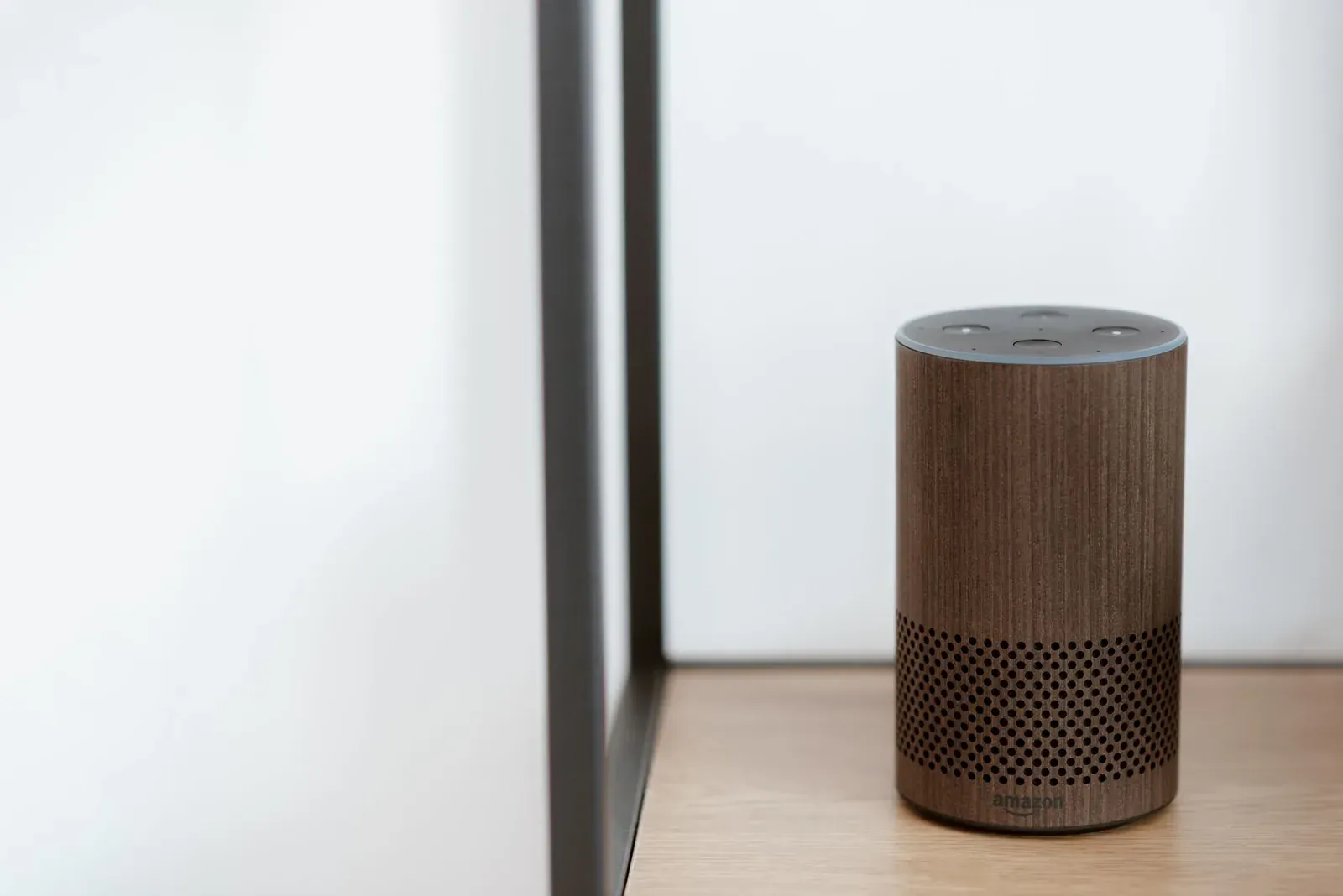
Alexa Hunches are Amazon's machine-learning suggestions: when Alexa notices a pattern in how you use your connected devices—say, you almost always turn off the porch light before bed—it can either prompt you ("By the way, your porch light is on. Do you want me to turn it off?") or, if you allow it, act on that pattern automatically without being asked. Combined with related adaptive features like Adaptive Routines and follow-up suggestions, Hunches are why Alexa sometimes seems to do things on its own. None of it is random; it's based on observed behavior, and you stay in control of how much freedom Alexa gets.
What a Hunch actually is
A Hunch is a prediction. Alexa's models watch how and when you operate compatible smart-home devices—lights, plugs, locks, and some sensors—and look for repeatable patterns tied to time of day, your routines, and whether you appear to be home or heading out. When the current state of a device doesn't match what the pattern predicts, Alexa flags it.
For example, if you usually have the living-room lamp off overnight and you say "Alexa, goodnight," Alexa might respond that the lamp is still on and offer to turn it off. That's a suggestive Hunch: Alexa noticed the mismatch and asked. The feature is meant to catch the small things people forget, like a light left on or a plug still running, rather than to control your home for you.
Hunches only work with devices Alexa can both monitor and control. A light bulb that reports its on/off state qualifies; a "dumb" device on a smart plug works because Alexa controls the plug. If your devices aren't responding reliably in the first place, Hunches won't be dependable either—see Alexa Stopped Responding to Smart Home Devices? The Fix.
Suggestive vs. proactive Hunches
There are two ways Hunches behave, and the difference matters because one of them lets Alexa act without a confirmation.
- Alexa tells you about the mismatch and asks before doing anything
- Nothing changes unless you say yes
- Good for staying informed while keeping full control
- Alexa performs the predicted action automatically, then tells you what it did
- No verbal confirmation needed in the moment
- Best once you trust Alexa’s patterns and want hands-off tidying
Suggestive Hunches are the default behavior: Alexa only offers, and nothing happens unless you agree. Proactive Hunches are opt-in. When enabled, Alexa carries out the action it's confident about—for instance, turning off lights it believes you forgot—and can notify you afterward so you're not left guessing. You can switch between these modes, and you can turn Hunches off entirely.
How Hunches differ from Routines and Adaptive Routines
It's easy to confuse Alexa's automatic behaviors. They come from different systems:
| Feature | What triggers it | Who defines the action | Predictable? |
|---|---|---|---|
| Hunches | Learned device-usage patterns | Alexa (machine learning) | No—based on confidence |
| Routines | Conditions you set (voice, time, sensor, location) | You | Yes—runs exactly as built |
| Adaptive Routines | A Routine you create, enhanced by Alexa's timing suggestions (e.g., sunset) | You, with Alexa's input | Mostly |
If you want full control over what happens and when, Routines are the right tool—they run exactly as you configure them. Hunches fill the gaps Routines don't cover, acting on habits you never wrote down. Many households use both: Routines for the deliberate "goodnight" and "leaving home" flows, Hunches for the stray light nobody remembered. To build the deliberate side, see How to Create Alexa Routines (Step by Step).
Turning Hunches on, off, or proactive
Hunches and their settings live in the Alexa app. Amazon moves menus around over time, so navigate by name rather than memorizing a screen path.
- 1Open the Alexa app and go to More, then Settings
- 2Look for Hunches (often grouped under smart-home or Alexa preferences)
- 3Choose whether Alexa only suggests, acts proactively, or stays off
Inside the Hunches settings you can typically enable or disable the feature, switch on proactive (automatic) Hunches, and control related notifications. If you've just gotten started with your Echo, the broader walkthrough in How to Set Up an Amazon Echo for the First Time covers where these preferences sit relative to the rest of setup.
Why Alexa sometimes "gets it wrong"
Because Hunches are predictions, they're only as good as the patterns behind them. A few common reasons Alexa acts in ways that feel off:
- Not enough history. New devices, or ones you use irregularly, give Alexa little to learn from, so suggestions can be sparse or oddly timed.
- Schedule changes. If your routine shifts—new work hours, houseguests, travel—old patterns may no longer match reality until Alexa adapts.
- Group and naming overlap. If devices are organized in confusing ways, a Hunch may target the wrong light. Clean grouping helps; see Alexa Device Groups Explained: Rooms vs Groups vs Devices.
- Presence assumptions. Hunches lean on whether you seem home or away. If that signal is wrong, the action can be too.
If proactive Hunches are doing something you genuinely don't want, switch back to suggestive mode for a while. You'll still get the heads-up without Alexa taking action, which makes it easy to see whether its patterns actually match your habits before you hand back the keys.
Frequently asked questions
Does enabling Hunches cost anything or require a subscription?
No. Hunches are a standard Alexa feature available at no extra charge on supported Echo devices and the Alexa app. They don't require Amazon Prime or any add-on.
Will Alexa lock my door or do something risky on a Hunch?
Hunches focus on low-risk actions like turning lights and plugs off. For sensitive devices such as smart locks, Alexa is deliberately conservative and generally asks for confirmation rather than acting silently. If you're cautious, keep proactive Hunches limited and rely on Routines for anything security-related.
How long before Alexa learns my patterns?
There's no fixed countdown—Alexa needs enough repeated behavior to be confident. Consistent daily use of the same devices speeds it up; sporadic use slows it down. Expect suggestions to become more relevant over weeks, not minutes.
Are Hunches the same as Alexa controlling devices for Routines?
No. Routines run because you defined a trigger and an action. Hunches run because Alexa predicted you'd want something based on past behavior. If you want guaranteed, repeatable automation, build a Routine—and if you're weighing platforms, Alexa vs Google Assistant for Your Smart Home compares how each handles automation.