Alexa vs Google Assistant for Your Smart Home
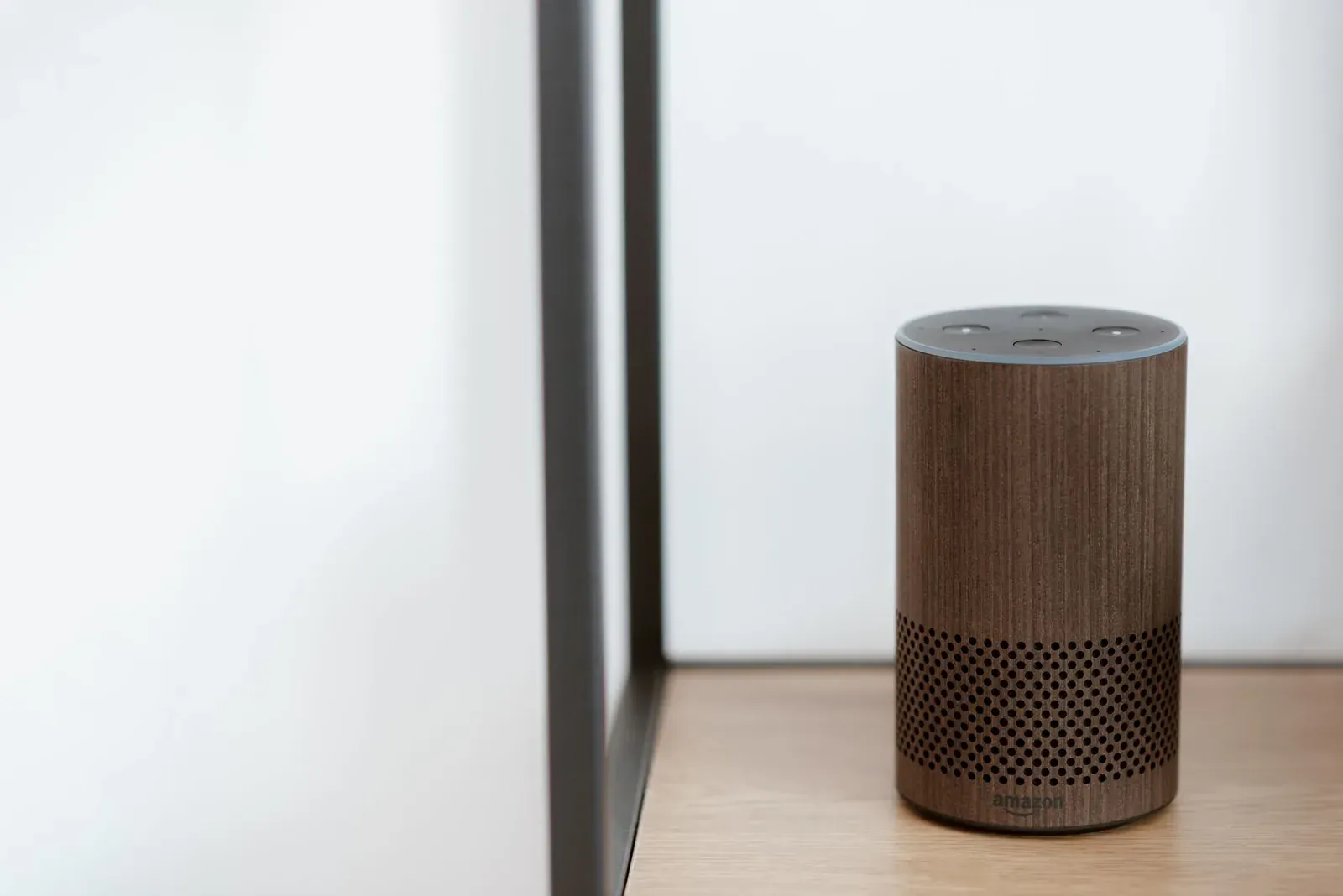
For most people building a smart home today, both Amazon Alexa and Google Assistant are capable, mature platforms, and the right answer usually comes down to which phone and ecosystem you already live in rather than a clear technical winner. Choose Alexa if you want the widest selection of compatible devices, deep Skills support, and budget-friendly Echo speakers. Choose Google Assistant if you're an Android user invested in Google services and you value more natural, conversational voice answers. Below we break down where each platform genuinely differs, based on how the apps and standards actually work at the time of writing.
The short version: how they differ
Alexa and Google Assistant solve the same core problem—voice and app control of smart-home devices—but they grew from different places. Alexa was built around Amazon's Echo hardware and a massive third-party developer program (Skills). Google Assistant grew out of Google Search and Android, so it leans on Google's knowledge graph and account ecosystem. Those origins still shape the experience.
- Largest catalog of compatible devices and third-party Skills
- Inexpensive Echo speakers and frequent sales
- Routines are powerful but the editor can feel layered
- Strong Amazon shopping and music integration
- More natural, conversational voice answers and follow-ups
- Tight integration with Android, Gmail, Calendar, and Nest
- Cleaner Google Home app for grouping by room
- Fewer compatible devices than Alexa, but covers most mainstream brands
Device compatibility and standards
This is where many buyers worry most, and it's also where the gap has narrowed dramatically. Both platforms now support Matter, the cross-industry connectivity standard from the Connectivity Standards Alliance, and both can act as controllers for Matter devices. Both also support Thread, the low-power mesh network many newer sensors and locks use, through Thread border routers built into recent Echo and Nest hardware.
In practice, a Matter-certified bulb, plug, or sensor should pair with either Alexa or Google Home, and Matter's multi-admin feature even lets one device live in several ecosystems at once. If you want the details, see our guides on Matter vs Thread and Matter multi-admin.
Where Alexa still pulls ahead is the long tail of non-Matter devices. Years of vendor relationships and the Alexa Skills program mean obscure or older brands are more likely to have official Alexa support than Google support. If you own a grab-bag of smart-home gear from many manufacturers, Alexa is statistically the safer bet for everything working out of the box.
Setup and the apps
Day-to-day, you'll spend more time in the companion app than talking to a speaker. Both follow a similar flow: install the app, sign in, and add devices either by scanning a Matter QR code or linking an account from another brand. Alexa centers on the Alexa app; Google centers on the Google Home app. Both let you organize devices into rooms and groups so "turn off the living room" controls everything there at once.
Many people find the Google Home app slightly cleaner for room-based organization, while the Alexa app exposes more options (Skills, shopping, communication) and can feel busier as a result. If you go the Alexa route, our walkthroughs on setting up an Echo and device groups vs rooms are good starting points.
- 1Pick the assistant that matches your phone and existing accounts
- 2Install that platform’s app and create or sign in to your account
- 3Add a Matter device by scanning its QR code, or link a brand account
- 4Organize devices into rooms so voice commands target whole spaces
Routines and automation
Both platforms support routines—chains of actions triggered by a voice phrase, a time, a sensor, or your location. You can say one phrase and have lights dim, a plug switch off, and a thermostat adjust together. The capabilities are broadly comparable for everyday automations.
Alexa's routine engine is deep and supports a wide range of triggers and actions, though the editor sits a few taps down in the app and can feel layered for newcomers. Google's automations are accessible and have an optional script editor for advanced users. For Alexa specifically, our step-by-step guide on creating Alexa routines covers the full flow.
Voice quality and answers
For raw smart-home commands—"turn on the kitchen light," "set a timer"—both assistants are reliable and similar. The difference shows up with general-knowledge questions, follow-ups, and conversational phrasing, where Google Assistant's roots in Google Search often give more natural, accurate answers and better handling of "and what about tomorrow?"-style follow-ups. Alexa is steadily improving here, and for device control the practical gap is small.
Comparison table
| Factor | Alexa | Google Assistant |
|---|---|---|
| Compatible devices | Largest catalog, plus Skills | Broad, covers most mainstream brands |
| Matter & Thread | Supported | Supported |
| Speakers/displays | Echo line, often cheapest on sale | Nest line |
| Phone fit | Neutral (iOS or Android) | Best on Android |
| Conversational answers | Good, improving | Often more natural |
| Routines | Powerful, layered editor | Accessible, optional scripting |
| Service ties | Amazon shopping, music | Gmail, Calendar, Nest, Search |
Which should you choose?
There is no universal winner, so match the platform to your situation:
- Choose Alexa if you want the widest device compatibility, you buy a lot of varied smart-home gear, you like cheap Echo speakers, or you're heavily into Amazon's shopping and music ecosystem. Alexa is also a sensible neutral choice if your household mixes iPhones and Android phones.
- Choose Google Assistant if you're an Android user, you rely on Gmail, Google Calendar, and Google Search, you own or want Nest devices, or you simply prefer more natural conversational answers.
- It honestly matters less than it used to. Because both support Matter and Thread, and Matter multi-admin lets one device serve multiple ecosystems, you're not locked in the way you once were. Many new devices work on both, so you can even run both side by side.
Our practical recommendation: start with the assistant that fits the phone and accounts you already use every day. That single decision removes more friction than any feature-by-feature score ever could. If you're going Alexa and want a quick first win, adding a smart plug is the easiest place to start—see how to add a smart plug to Alexa.
Frequently asked questions
Can I use Alexa and Google Assistant together?
Yes, to a degree. You can own Echo and Nest speakers in the same home, and with Matter's multi-admin feature a single Matter device can be controlled by both platforms at once. The main limitation is that routines and rooms aren't shared between them—you'd set those up separately in each app.
Do I need a separate hub for either one?
Not for the assistant itself. Whether you need a hub depends on the device's protocol: Thread devices need a Thread border router (built into many recent Echo and Nest models), and some older Zigbee devices need a hub. Wi-Fi and Matter-over-Wi-Fi devices generally connect without an extra hub.
Which has better privacy controls?
Both Amazon and Google let you review and delete voice recordings and adjust what's stored, through their respective apps and account settings. The right framing is to review each platform's current privacy settings after setup, since the available controls and defaults change over time.
Will my future devices work on whichever I pick?
Increasingly, yes. Matter is designed so certified devices work across compatible ecosystems, which reduces the risk of buying into a dead end. Checking for the Matter logo on new purchases is the best way to keep your options open regardless of which assistant you start with.