Matter over Wi-Fi vs Matter over Thread: Which Is Better?
Matter is the application layer that lets devices speak the same language, but every Matter device has to ride on a network underneath it. Today that network is almost always either Wi-Fi or Thread. The short version: neither is universally "better" — they suit different device types. Thread is the stronger choice for small, battery-powered sensors and switches because it is low-power and self-healing, while Wi-Fi makes more sense for high-bandwidth or always-powered gear like cameras, displays, and many plugs. The good news is that because they both run Matter, the device behaves the same way in your app regardless of which one it uses.
This comparison explains the real differences in power, range, reliability, and what each one requires, then gives you a clear way to choose. If you want the bigger-picture distinction between the two technologies, our Matter vs Thread explainer covers how the standard and the network relate.
The core difference: same standard, different plumbing
Matter is a device standard — it defines how a light or a lock describes itself so Alexa, Google Home, Apple Home, and SmartThings can all control it. It does not invent its own radio. Instead it runs on top of existing IP networks. The Connectivity Standards Alliance (CSA), which maintains Matter, currently supports it over Wi-Fi and Thread for ongoing operation, plus Bluetooth Low Energy for the initial commissioning step.
So when you compare "Matter over Wi-Fi" to "Matter over Thread," you are not comparing two versions of Matter. You are comparing the two networks the same standard rides on. That distinction matters because it means the choice is mostly about the physical traits of each network — not about features or compatibility at the app level.
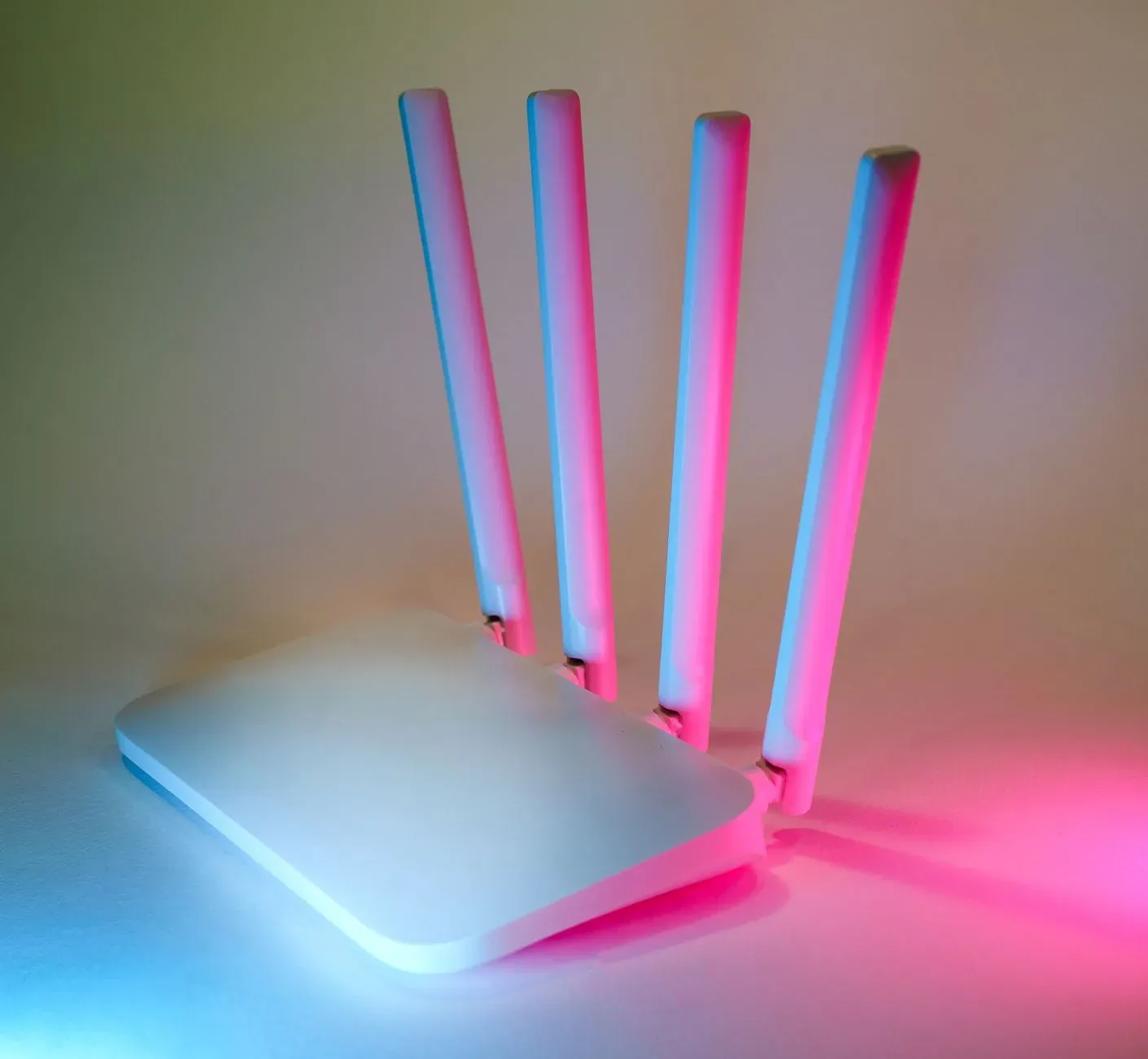
- Connects straight to your router’s 2.4GHz band
- No border router needed — uses gear you already have
- Higher power draw, best for mains-powered devices
- Low-power mesh built for battery devices
- Needs a Thread border router in your home
- Devices relay for each other and self-heal
Power and battery life
This is the biggest practical gap. Wi-Fi radios were designed to move a lot of data and were never optimized for sipping power. A Wi-Fi sensor that has to keep a connection alive will drain a coin cell quickly, which is why most battery-powered Wi-Fi sensors historically used aggressive sleep cycles that made them feel sluggish.
Thread was built from the ground up for low-power devices. A Thread sensor can spend most of its life asleep, wake for a few milliseconds to report, and go back to sleep — stretching a small battery to a year or more depending on the device. For door/window sensors, leak sensors, motion sensors, and many locks, that efficiency is the whole point.
Range, mesh, and reliability
A Wi-Fi device talks directly to your router (or a mesh node). If it is far from an access point, its signal is on its own — there is no relaying. Range depends entirely on your Wi-Fi coverage, which is why a far-flung garage sensor on Wi-Fi can be flaky.
Thread works differently. Every mains-powered Thread device (a smart plug, a powered light, many hubs) acts as a router that forwards traffic for nearby battery devices. This creates a self-healing mesh: if one node goes offline, traffic reroutes around it. As you add more powered Thread devices, the network generally gets more reliable and extends further, rather than straining a single point. That resilience is a real advantage for sensors spread around a house.
The catch is that Thread needs a border router — a device that bridges the Thread mesh to your home IP network. You may already own one inside a recent smart speaker, smart display, or hub; our guide to Thread border routers you may already own walks through how to check. If you have none, a Thread device simply has nothing to join, and that's where Wi-Fi's "just connect to the router" simplicity wins. For the full picture, see what a Thread border router is and whether you need one.
Bandwidth and the devices each one fits
Thread is deliberately low-bandwidth. That's fine for status messages — "door opened," "lock engaged," "set brightness to 40%" — but it is not built to stream video or carry large payloads. A camera or a video doorbell needs Wi-Fi's throughput. Likewise, a smart display or anything with a rich interface lives on Wi-Fi.
So the device type usually decides the transport for you, and most manufacturers have already made the choice:
| Device type | Typical transport | Why |
|---|---|---|
| Door/window, leak, motion sensors | Thread | Battery life and fast wake-and-report |
| Smart locks | Thread (often) | Low power, reliable mesh |
| Light bulbs & switches | Either | Powered bulbs often act as Thread routers; Wi-Fi bulbs are common too |
| Smart plugs | Either | Mains-powered, so both work; Thread plugs strengthen the mesh |
| Cameras & video doorbells | Wi-Fi | Video needs high bandwidth Thread can't carry |
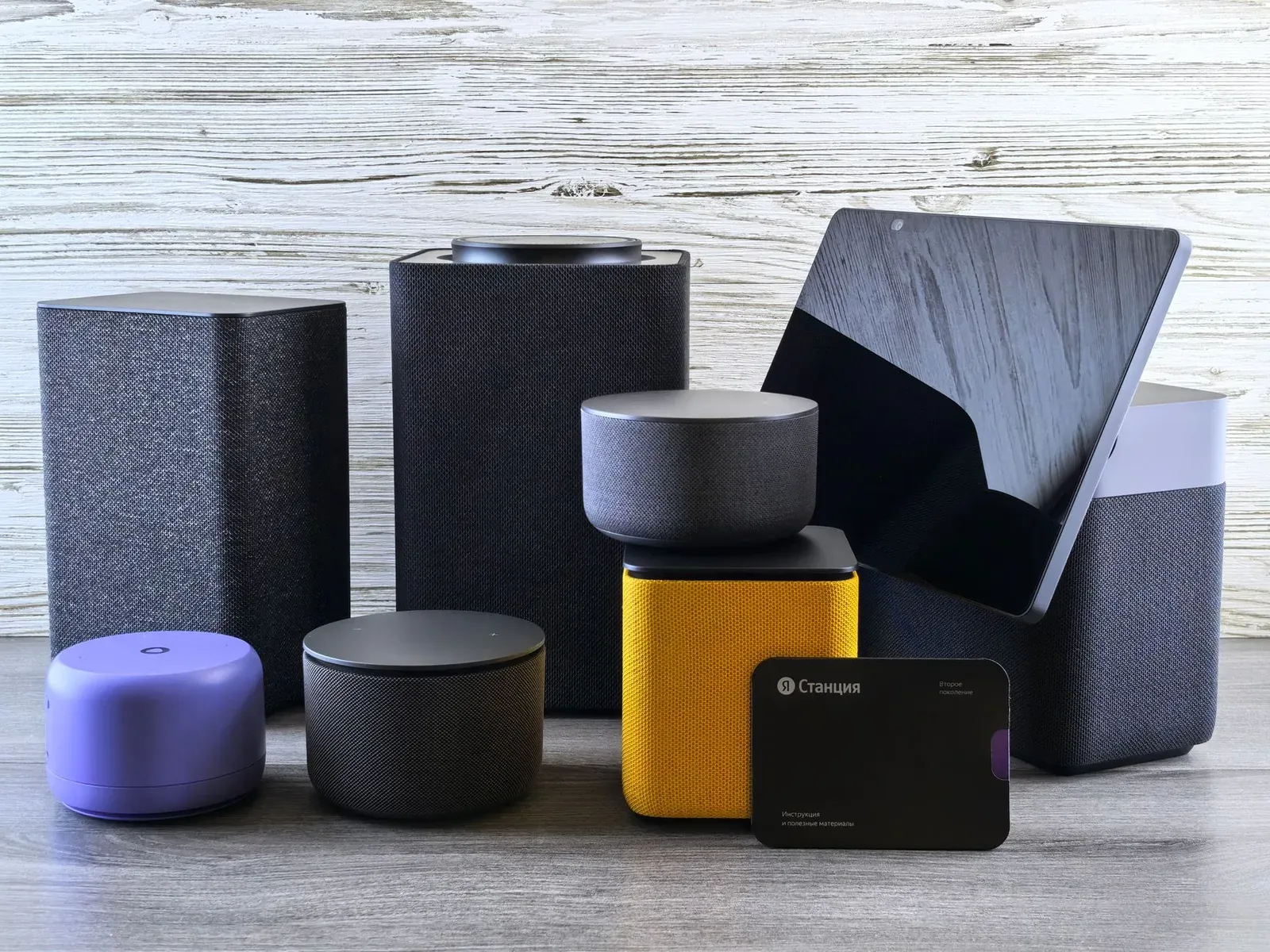
| Smart displays & speakers | Wi-Fi | Bandwidth-heavy; often double as Thread border routers |
Setup and ecosystem behavior
Here's the reassuring part: from a setup standpoint, the two feel almost the same. Both typically start with a Bluetooth handshake during commissioning, where you scan the Matter QR code in the Alexa app, the Google Home app, Apple Home, or SmartThings. The app then provisions the device onto Wi-Fi or onto the Thread network automatically — you usually don't choose. Our guide to adding a Matter device covers that flow step by step.
- 1Open your platform app (Alexa, Google Home, Apple Home, or SmartThings) and choose to add a Matter device
- 2Scan the Matter QR code or enter the numeric setup code
- 3Let the app commission the device over Bluetooth and provision it onto Wi-Fi or Thread automatically
Because Matter supports multi-admin, the same physical device can be shared across ecosystems regardless of transport — see Matter multi-admin for how one device lives in Alexa, Google, and Apple at once. The transport doesn't change that.
Which should you choose?
In most homes you won't pick a transport directly — the manufacturer already did, based on the device. But when you do have a choice (say, a plug or bulb sold in both flavors), use these rules of thumb:
- Choose Thread if the device is battery-powered, if you want the most responsive and resilient network for sensors and locks, and if you already own a border router. Adding powered Thread devices over time makes everything more reliable.
- Choose Wi-Fi if the device streams video or needs bandwidth, if it's always plugged in and you'd rather not depend on a border router, or if you simply have no Thread border router yet and don't plan to add one.
- Mind your 2.4GHz health either way. Both transports live in 2.4GHz, so a clean, well-channeled network helps both. Our notes on 2.4GHz vs 5GHz for smart-home devices and building a stable smart-home Wi-Fi network are worth a look if devices keep dropping.
If you're deciding between standards more broadly — not just transports — our Matter vs Zigbee vs Z-Wave comparison puts Thread in context with the older mesh protocols.
Frequently asked questions
Is Matter over Thread faster than Matter over Wi-Fi?
For the small status messages smart-home devices send, Thread often feels snappier and more consistent because of its low-latency mesh and the device's quick wake-and-report behavior. But Thread is low-bandwidth, so it is not "faster" for anything that moves real data — Wi-Fi is far ahead for video and large transfers. Responsiveness for a light or lock is more about the network being healthy than about raw speed.
Do I need a Thread border router for Matter over Wi-Fi?
No. Matter over Wi-Fi connects directly to your router, so no border router is involved. You only need a Thread border router for Matter over Thread devices. Many people already have one inside a recent smart speaker or display without realizing it.
Can the same device use both Wi-Fi and Thread?
Generally a given Matter device uses one transport, chosen by its manufacturer — it's either a Wi-Fi device or a Thread device, not both at once. What Matter does let you do is share that one device across multiple ecosystems via multi-admin, independent of which transport it uses.
If my devices keep going offline, is the transport to blame?
Not necessarily. Wi-Fi dropouts often trace back to weak coverage or a congested 2.4GHz band, while Thread issues usually come down to a missing or offline border router or too few powered Thread nodes. Our guides on devices going offline and hubs that keep disconnecting can help you isolate the cause.