Nest Mini vs Nest Audio vs Nest Hub: Which to Buy?
If you want the short version: buy the Nest Mini when you mainly want voice control and a compact speaker for a small room, the Nest Audio when music quality is the priority, and the Nest Hub when you want a touchscreen for controlling devices, viewing cameras, and following recipes. All three run the same Google Assistant and connect through the same Google Home app, so the decision is really about sound, screen, and where the device will live — not about which one is "smarter."
The quick comparison
Here is how the three Google-made devices line up. Speaker counts and dimensions come from Google's published product information; treat sound descriptions as general guidance rather than lab measurements.
| Feature | Nest Mini | Nest Audio | Nest Hub |
|---|---|---|---|
| Form factor | Compact puck speaker | Full-size speaker | 7-inch touchscreen + speaker |
| Best for | Voice control, small rooms | Music and podcasts | Visual control, cameras, recipes |
| Screen | No | No | Yes (touch) |
| Sound | Good for size; light bass | Fuller, room-filling, stronger bass | Better than Mini; not a music speaker |
| Stereo pairing | Yes (two Minis) | Yes (two Audios) | No |
| Camera/video view | No (audio response only) | No (audio response only) | Yes, on screen |
| Built-in camera | No | No | No (screen only) |
| Thread border router | No | No | No |
| Typical placement | Bedside, bathroom, office | Living room, kitchen | Kitchen counter, nightstand, entryway |
What all three have in common
Before the differences, it helps to know what doesn't change between them. Whichever you pick, you get the same core experience:
- The same Google Assistant. Voice commands, answers, reminders, and timers behave identically. A Mini understands exactly what a Hub does.
- The same setup path. All three are added through the Google Home app, so the process is the same regardless of which device you start with. If you're new to it, our guide to setting up Google Home and Nest for the first time walks through it.
- The same smart-home control. Any of them can turn on lights, lock doors, or run a routine or automation by voice. Adding gear works the same way too — see how to add a device to Google Home.
- Chromecast-built-in audio. You can cast music from your phone to any of them, and group them into multi-room audio.
One thing none of them does: act as a Thread border router. If you're building toward Thread or Matter devices, that capability lives in certain other Nest hardware rather than these speakers — worth knowing before you assume a Nest purchase covers it.
Nest Mini: the value voice pick
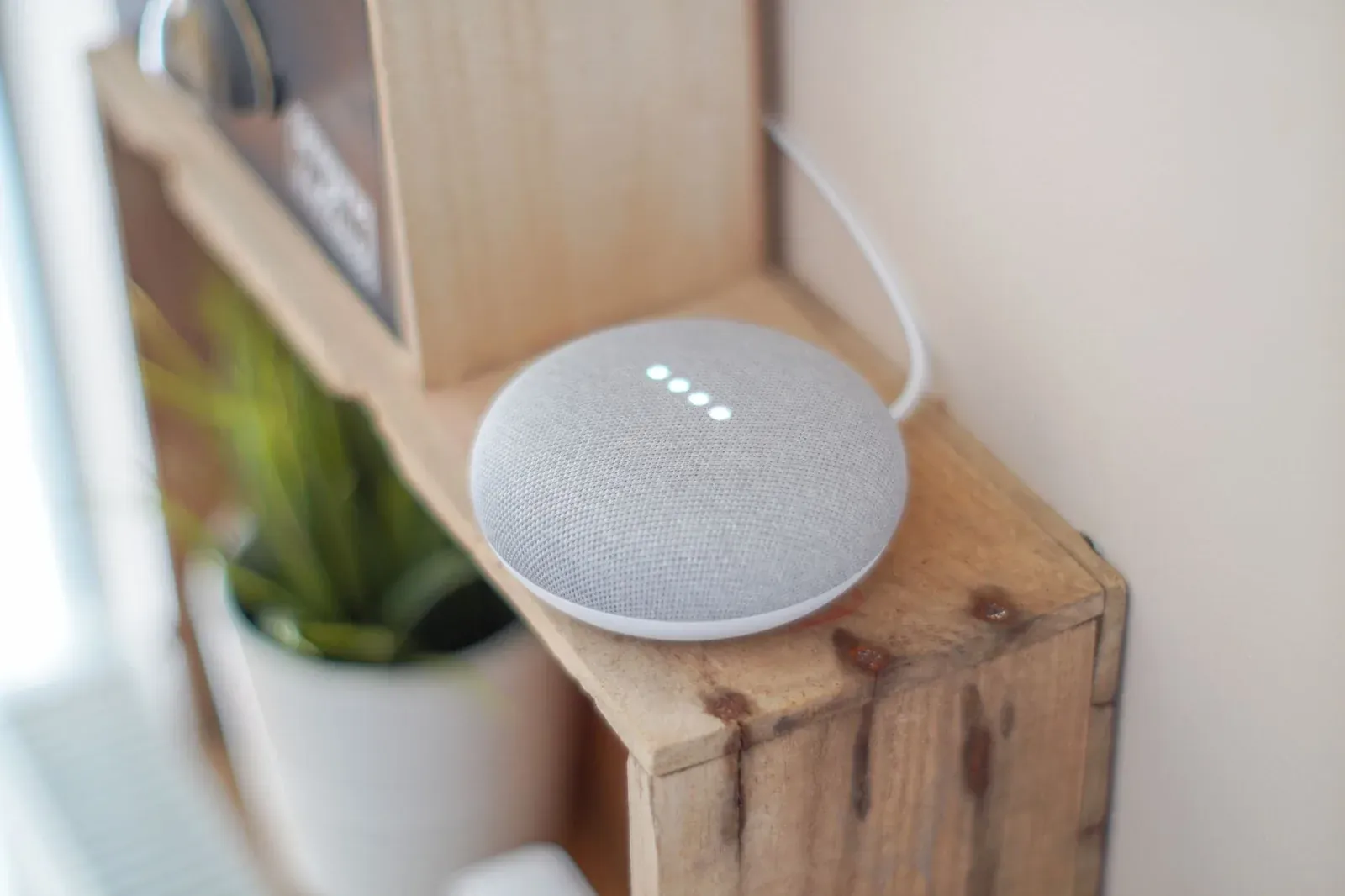
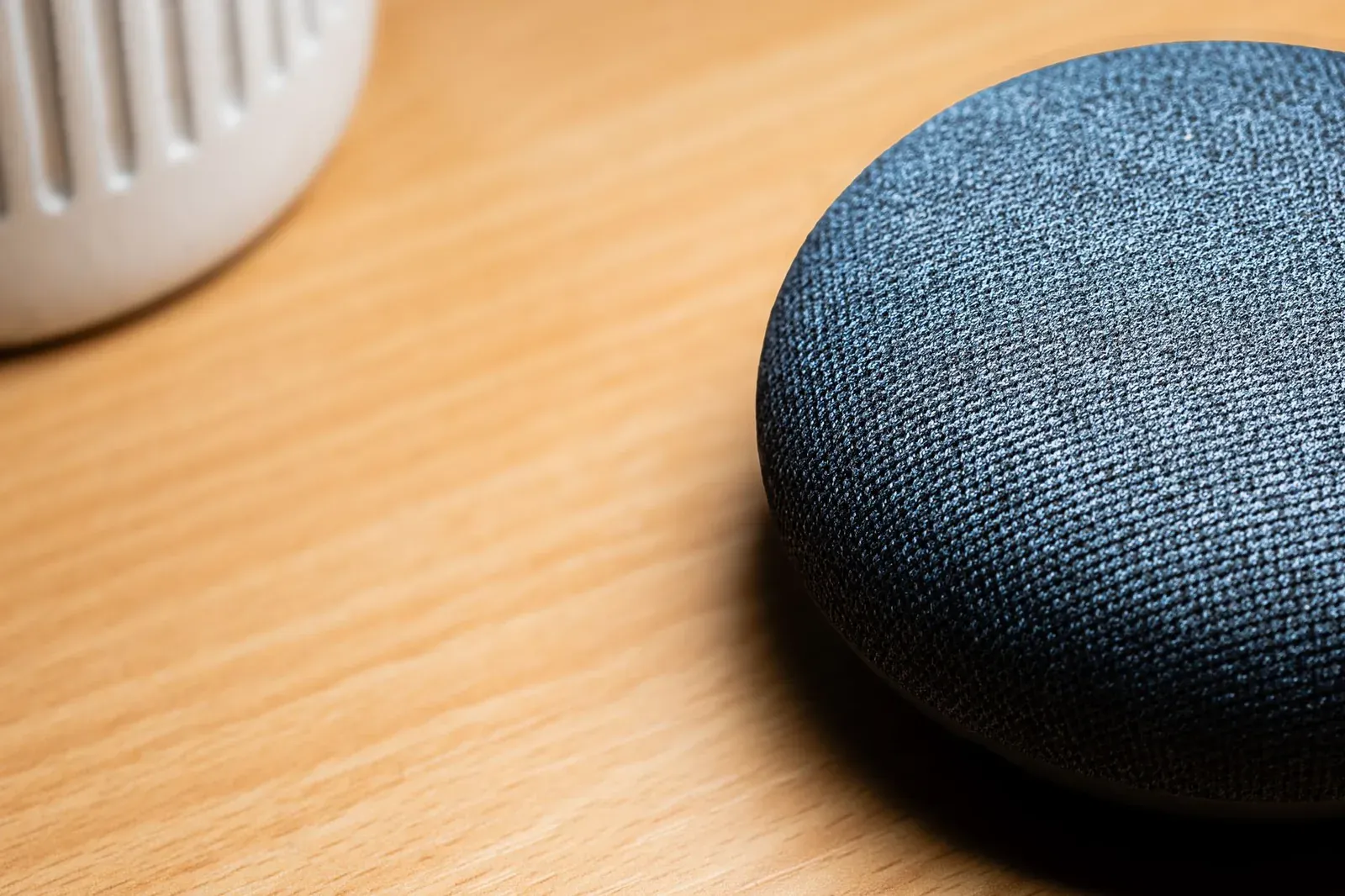
The Nest Mini is the small, inexpensive puck most people picture when they think "smart speaker." Its job is voice: timers in the kitchen, alarms by the bed, a quick weather check, and hands-free control of your lights and plugs. The sound is genuinely fine for a device this size — clear for podcasts and casual listening — but it's light on bass and won't fill a large room.
Where it shines is multiplying cheaply. Because it's the lowest-cost option, it's the natural choice for putting Assistant in every room — a Mini in the bathroom, the home office, the guest room — without spending much. You can also stereo-pair two Minis in one room for a noticeably wider sound if you later decide one isn't enough.
- Lowest cost, easy to buy several
- Compact — fits a nightstand or shelf
- Light bass, best for voice and casual audio
- Clearly better music quality and volume
- Larger footprint, wants a real surface
- Overkill if you only need timers and commands
Nest Audio: the one to buy for music
The Nest Audio is the full-size speaker of the group, and music is its reason to exist. Compared with the Mini, it plays louder and fuller, with stronger bass and more presence — enough to be the main speaker in a living room or kitchen. Everything the Mini does by voice, the Audio also does; you're paying the difference purely for sound.
If you care about a proper stereo image, two Nest Audios paired together step up again, separating left and right channels for a wider soundstage. For a household where the smart speaker doubles as the everyday music system, this is the sensible pick. If music is an afterthought and you just want commands and timers, the Audio is more speaker than you need.
Nest Hub: the one with a screen
The Nest Hub trades some audio ambition for a 7-inch touchscreen, and that screen changes what the device is good for. Instead of only hearing answers, you can see them: pull up a compatible security camera feed, glance at a dashboard of your lights and thermostats, follow a step-by-step recipe, check the weather visually, or watch the doorbell when someone rings.
For smart-home control specifically, the screen is the big advantage. Tapping tiles to adjust devices is faster and more discoverable than remembering exact voice phrases, which makes the Hub a strong "command center" on a kitchen counter or by the front door. Its speaker is better than the Mini's but isn't trying to compete with the Nest Audio for serious music.
It's also a capable bedside or nightstand device: a visual alarm clock, a photo frame when idle, and a quick way to dim the lights without reaching for your phone. Note that the standard Nest Hub has a screen but no built-in camera, so it won't make video calls on its own — a point worth confirming on the product page if video calling matters to you.
Which should you choose?
Match the device to the room and the job, not to a spec sheet:
- You want cheap voice control, or speakers in several rooms. Buy the Nest Mini. It's the budget workhorse, and buying two or three to cover the house is still affordable.
- You want the smart speaker to be your music speaker. Buy the Nest Audio. It's the clear sound upgrade, and a pair makes a real stereo setup.
- You want to see cameras, control devices by touch, or follow recipes. Buy the Nest Hub. The screen is the whole point, and it's the best smart-home command center of the three.
- You're mixing them. A common, sensible setup is a Hub in the kitchen, a Nest Audio in the living room, and Minis in bedrooms — all controlled from one Google Home app.
Whatever you pick, the experience after setup is the same Assistant and the same app, so you're not locking yourself out of any feature by choosing one over another. You can always add a second type later — the ecosystem is designed to mix. If you're weighing Google against Amazon, it's also worth knowing how an Amazon Echo sets up for comparison before you commit.
Frequently asked questions
Do I need a different one for Matter or Thread devices?
None of these three acts as a Thread border router, so buying a Mini, Audio, or Hub doesn't add Thread to your home by itself. That capability comes from specific other Nest hardware. If you're planning around Matter and Thread, read up on Thread border routers you may already own and how Matter compares to Zigbee and Z-Wave before assuming a speaker covers it.
Can I use these together in one home?
Yes. They all live in the same Google Home app, so you can place different devices in different rooms and control them as one system. You can also group several for multi-room audio and build routines that span all of them.
Which has the best sound?
The Nest Audio is the strongest single speaker of the three, especially for music and volume. The Nest Hub sounds better than the Mini but isn't a dedicated music speaker. The Mini is fine for voice and casual listening. For the biggest sound, pair two Nest Audios.
What if my Nest device keeps dropping offline?
That's usually a network issue rather than a hardware fault. A weak or congested Wi-Fi signal is the common culprit, so it's worth tidying up your smart-home Wi-Fi setup. If a specific device misbehaves, our guide to fixing Google Home's "device is offline" error covers the usual fixes.