Alexa Light Ring Colors Meaning: Yellow, Green, Red, Blue
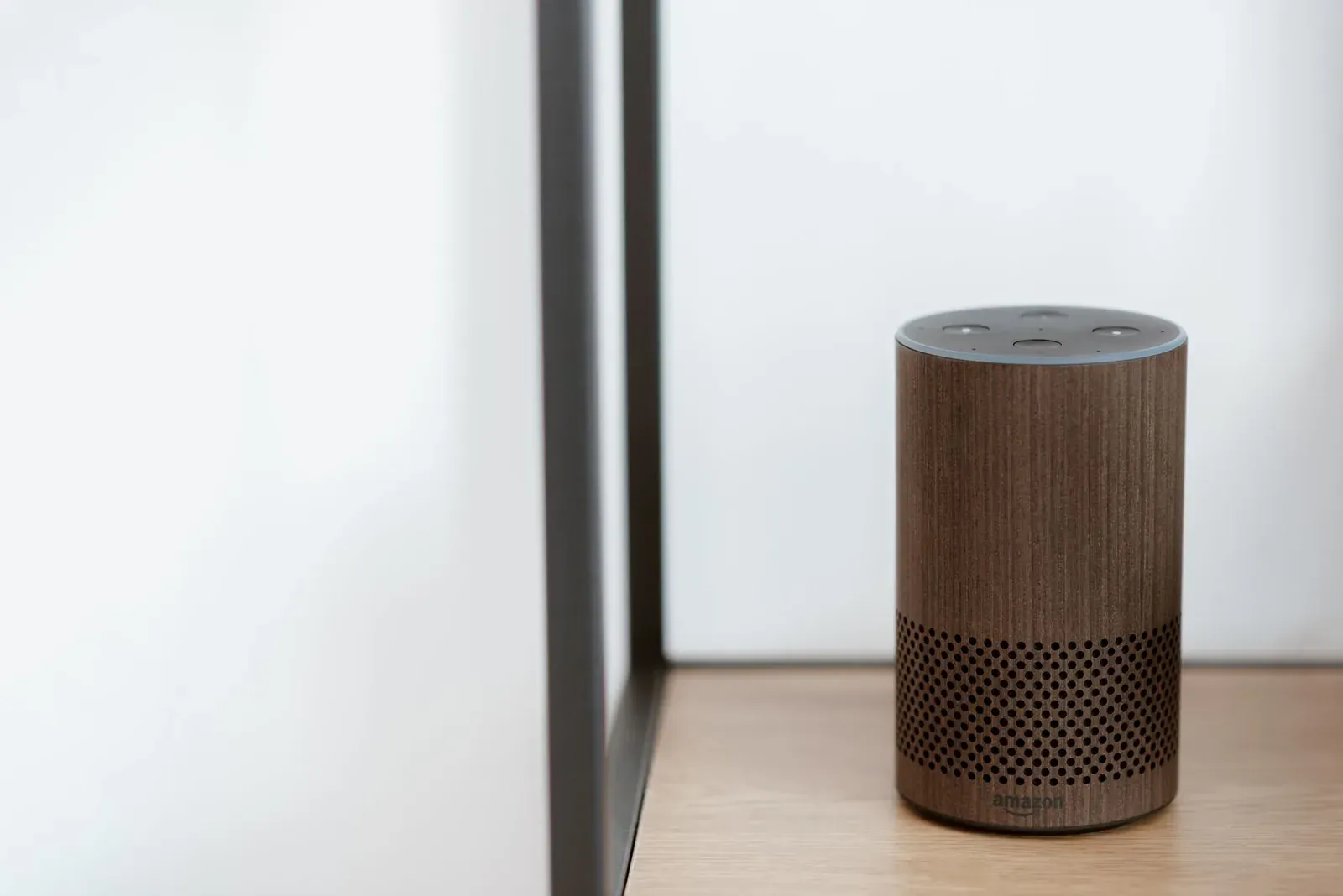
Your Amazon Echo communicates almost entirely through its light ring, and each color maps to a specific status. In short: yellow means you have a waiting message or notification, green means an incoming or active call (or Drop In), red means the microphone is muted and Alexa can't hear you, and blue means the device is awake, listening, or processing what you said. The motion and shade of the light matter too — a spinning orange ring during setup means something very different from a steady red ring. Below is a complete, plain-English guide to what every color and pattern is telling you, and what to do about it.
The core Alexa light ring colors and what they mean
Amazon uses the light ring (or, on screen-based Echo Show devices, a light bar along the bottom) as a status display. The colors are consistent across most current Echo models, though the exact placement of the ring varies by generation. Here's the full reference:
| Color & pattern | What it means | Typical trigger |
|---|---|---|
| Solid blue with spinning cyan | Alexa is starting up or processing your request | Just after the wake word, while it works out a response |
| Blue with cyan pointing one direction | Alexa is actively listening | You said "Alexa" and it's waiting for your command |
| Pulsing/spinning yellow (amber) | You have a message, reminder, or notification waiting | A delivered message, missed alert, or package notification |
| Pulsing or spinning green | An incoming call or Drop In; rotating green = call in progress | Someone is calling you or has dropped in via Alexa |
| Solid red | The microphone is turned off; Alexa cannot hear you | You pressed the microphone-off button on top of the device |
| Spinning orange | The device is connecting to the internet / in setup mode | First-time setup, after a reboot, or reconnecting to Wi-Fi |
| Pulsing/spinning violet (purple) | Do Not Disturb is on, or a Wi-Fi issue during setup | A purple flash after a command confirms DND is active |
| Solid white | You're adjusting the volume, or Alexa Guard is active | Turning the volume dial or ring up/down |
Blue: Alexa is awake and working
Blue is the color you'll see most often, and it's entirely normal. When you say the wake word, the ring lights up solid blue with a brighter cyan (light-blue) segment. That cyan accent isn't random — on far-field Echo devices it points toward the direction the device thinks your voice is coming from, which is a quick way to confirm the microphone array locked onto you and not the TV.
After you finish speaking, the blue ring spins briefly while Alexa sends your request to Amazon's servers and waits for a reply. If the blue light lingers for several seconds with no response, that usually points to a network delay rather than the device itself. If Alexa frequently lights up blue but then does nothing, the problem is more likely on the smart-home side — our guide on when Alexa stops responding to smart home devices walks through the usual culprits.
Yellow and green: notifications and calls
Yellow (Amazon describes it as a pulsing amber/yellow) is purely informational. It means something is waiting for you: a voice or text message, a reminder you set, or a delivery notification from Amazon. The ring will keep gently pulsing until you clear it. Just ask, "Alexa, what are my notifications?" or "Alexa, do I have any messages?" and it will read them out and stop the light.
Green is reserved for communication. A pulsing or ringing green light means an incoming Alexa call or Drop In; once you're connected, the green light rotates steadily for the duration of the call. To answer, say "Alexa, answer the call," and to end it, say "Alexa, hang up." If you see green when you're not expecting a call, it may be a Drop In from another device in your household.
Red: the microphone is off
A steady red ring is the one that worries people most, but it's almost always intentional. It means the microphone has been electronically disconnected — Alexa literally cannot hear you, and no audio is being processed. This happens when you press the microphone-off button (the one with a slash through a circle) on top of the device. It's a privacy feature, not a fault.
To turn the microphone back on, press the same button again. The red ring will disappear and the device returns to its idle, unlit state, ready for the wake word. If your Echo seems unresponsive and you can't figure out why, a red ring is the first thing to check before troubleshooting anything more involved.
- 1See a solid red ring
- 2Press the microphone-off button on top of the Echo
- 3Confirm the red light turns off
- 4Test with “Alexa, are you there?”
Orange and purple: connection and Do Not Disturb
Spinning orange is the setup color. You'll see it the first time you plug in a new Echo, after a reboot, or any time the device is reconnecting to your Wi-Fi network. During setup it indicates the Echo is in pairing mode and ready to be configured in the Alexa app — our first-time Echo setup guide covers that process. If orange appears unexpectedly and never resolves to a calm, unlit ring, the device is struggling to reach your network. Rebooting your router, or moving the Echo closer to it, resolves most cases.
A brief purple (violet) flash after a command means Do Not Disturb is on. In that mode, Alexa still responds to your voice but won't ring through calls, messages, or notifications. Purple can also appear during setup to signal a Wi-Fi connection problem. You can toggle Do Not Disturb by voice ("Alexa, turn on Do Not Disturb") or in the Alexa app.
When a color points to a deeper problem
Most of the time a color is just a status. But a few patterns are worth acting on. A persistent spinning orange that never settles means a connectivity failure — and if your wider setup keeps dropping, the issue may extend beyond the Echo itself; see how to stabilize a smart-home hub that keeps disconnecting. A ring that won't respond to any voice command, shows no light at all, and isn't muted may need a power cycle: unplug it for 30 seconds and plug it back in. If colors behave erratically across several devices, the common thread is usually your network rather than the hardware.
Frequently asked questions
Why is my Alexa light ring spinning blue and not responding?
A spinning blue ring means Alexa heard the wake word and is processing. If it spins for several seconds and then stops without answering, the request reached Amazon's servers but the response stalled — usually a temporary network issue. Check your Wi-Fi, and if it keeps happening, reboot the Echo and your router.
What does a solid red ring on Alexa mean?
It means the microphone is switched off and Alexa can't hear you. Press the microphone-off button (the circle with a line through it) on top of the device to turn it back on. The red ring disappears once the mic is active again. This is a privacy setting, not a malfunction.
Why does my Echo glow yellow when I'm not using it?
A pulsing yellow ring means you have a waiting message, reminder, or notification — often a delivery alert from Amazon. Say "Alexa, what are my notifications?" to hear it and clear the light. If you find it distracting, you can adjust which notifications trigger the light in the Alexa app.
What color is Alexa when it's connecting to Wi-Fi?
Spinning orange. It appears during first-time setup, after a reboot, or whenever the device is reconnecting to your network. If orange never resolves to a calm, unlit ring, the Echo can't reach your Wi-Fi — restart your router or move the device closer to it.