Does the HomePod Mini Have Thread? Yes — Apple Border Router
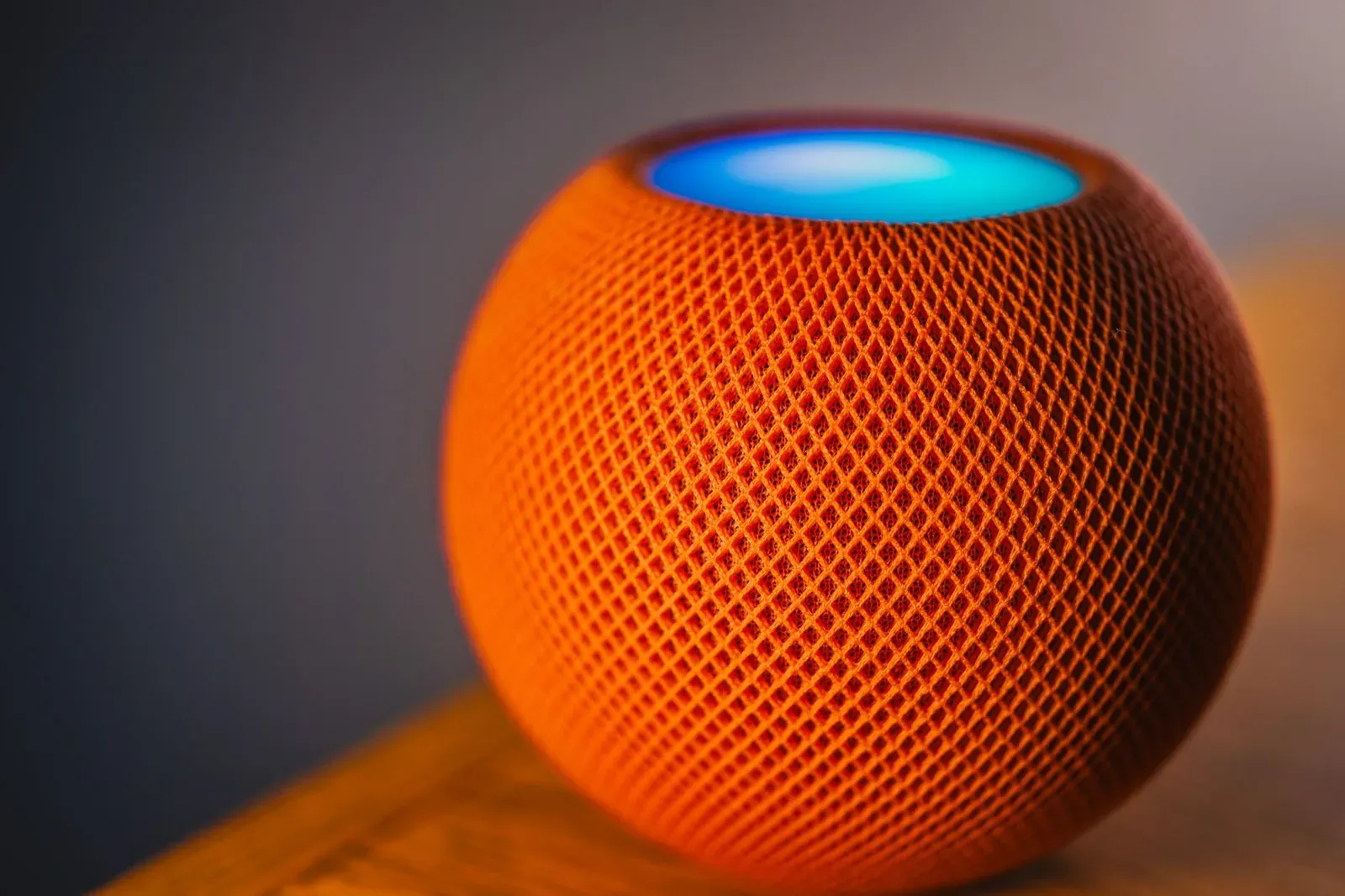
Yes. The HomePod mini has a built-in Thread radio and acts as a Thread border router for Apple Home. That means it does more than play music and answer Siri questions — it creates and joins a low-power Thread mesh network in your home, and it bridges that mesh to your Wi-Fi/Ethernet network so Matter-over-Thread accessories can talk to Apple Home and the internet. If you own a HomePod mini and have set it up with your Apple ID, you already have a working Thread border router without buying anything extra.
This is one of the quieter but more useful facts about the HomePod mini. Apple markets it as a smart speaker, but under the hood it's also a piece of smart-home networking infrastructure. Below, we'll explain what the Thread border router role actually does, how it fits into Apple Home, how it compares to other Apple devices, and where its limits are.
What "Thread border router" actually means
Thread is a low-power, low-bandwidth wireless mesh protocol built for smart-home accessories like sensors, locks, and bulbs. It runs on the same 2.4 GHz 802.15.4 radio family that Zigbee uses, but it's IP-based, which is part of why Matter adopted it. A Thread network on its own is an island: the little battery-powered devices on it can talk to each other, but they can't reach your phone, the internet, or Apple's servers without a translator. That translator is the border router.
A border router sits on both networks at once. It has a Thread radio facing the mesh and a Wi-Fi or Ethernet connection facing your home network. It routes traffic between the two and hands out the addressing the Thread devices need. If you'd like the deeper background, our explainer on what a Thread border router is and whether you need one covers the concept in full.
The HomePod mini plays this role for Apple's ecosystem. When you add a Matter-over-Thread accessory to the Apple Home app, the HomePod mini is what lets that accessory join the mesh and become reachable.
How the HomePod mini fits into Apple Home
In Apple's world, a border router only counts if it's an Apple Home home hub. The HomePod mini is automatically designated as a home hub once it's signed into your Apple ID and set up in the Home app. That single designation gives you three things at once:
- A Thread border router — so Matter-over-Thread accessories can join and stay connected.
- A home hub — so automations run and accessories are reachable when you're away from home.
- A Matter controller — so Apple Home can commission and command Matter devices.
That bundling matters because it means Thread support on the HomePod mini isn't a standalone toggle you flip. It comes as part of being an Apple Home hub. You don't configure the Thread network by hand; Apple Home manages it in the background, deciding which border router a device attaches to and forming the mesh credentials.
Setting up a Thread device with a HomePod mini
You generally don't do anything special to "turn on" the border router — it's already running. The setup you do is per accessory, and Apple Home handles the Thread part automatically.
- 1Make sure your HomePod mini is set up in the Home app and signed into your Apple ID
- 2In the Apple Home app, tap add accessory and scan the Matter or HomeKit pairing code
- 3Apple Home detects the device is Thread-based and joins it to the mesh through the HomePod mini
If you can't find the code on a Matter accessory, our guide on finding or resetting a lost Matter pairing code walks through the options. And if a device won't join cleanly, a factory reset and re-pair usually clears it up.
HomePod mini vs. other Apple Thread border routers
The HomePod mini isn't Apple's only Thread border router. The second-generation HomePod (the larger one) and recent Apple TV 4K models with Thread radios also serve the role. They aren't identical, though — the differences come down to backhaul and always-on reliability.
| Device | Thread border router | Backhaul to router | Notes |
|---|---|---|---|
| HomePod mini | Yes | Wi-Fi only | Always-on speaker; great inexpensive border router |
| HomePod (2nd gen) | Yes | Wi-Fi only | Larger speaker; same border-router role |
| Apple TV 4K (Thread models) | Yes | Wi-Fi or Ethernet | Wired backhaul can be steadier; must stay powered |
If you own more than one of these, that's not a problem — Apple Home coordinates them. Multiple border routers on the same Thread network actually improve mesh resilience, since accessories can attach to whichever is closest. Many households already have a device that qualifies; see our roundup of Thread border routers you may already own.
- Wi-Fi backhaul, no Ethernet port
- Doubles as an always-on speaker and Siri endpoint
- Can use wired Ethernet backhaul for steadier routing
- Also a media streamer, but must remain powered on
What the HomePod mini's Thread support does not do
It's easy to overread "has Thread." A few important boundaries:
- It doesn't make Thread devices work in Alexa or Google Home by itself. The border router hardware is a shared standard, but the network it forms is tied to the ecosystem that set it up — here, Apple Home. Sharing a device across platforms is a separate step; see sharing a Matter device across Alexa, Google, and Apple Home and how Matter multi-admin works.
- It doesn't replace your Wi-Fi router. The HomePod mini bridges Thread to Wi-Fi; it doesn't route your home internet.
- It doesn't cover non-Thread Matter devices. Matter accessories that run over Wi-Fi don't use the Thread mesh at all — they connect straight to your Wi-Fi. Our comparison of Matter over Thread vs. Matter over Wi-Fi explains which is which.
If a device seems unreliable, it's worth checking your Thread network health and signal strength before assuming the HomePod mini is at fault.
Frequently asked questions
Do I need to enable Thread on the HomePod mini?
No. There's no separate Thread setting to turn on. As long as the HomePod mini is set up in the Apple Home app and signed into your Apple ID, its Thread radio and border-router role are active automatically.
Can the HomePod mini be a Thread border router for Alexa or Google Home?
Not on its own. Its border-router function is managed by Apple Home. You'd need a border router that belongs to those ecosystems (like an Echo or Nest device with Thread) for them to form their own mesh. A single Matter accessory can, however, be shared to multiple ecosystems via multi-admin once it's paired.
Does the original (full-size) HomePod also have Thread?
The second-generation HomePod has a Thread radio and works as a border router. The discontinued first-generation full-size HomePod did not include Thread. The HomePod mini has had Thread since launch.
Is Thread the same as Zigbee or Z-Wave?
No, though Thread and Zigbee share the same underlying radio band. Thread is IP-based and is one of Matter's two networking layers. For the distinctions, see Thread vs. Zigbee and the broader Matter vs. Zigbee vs. Z-Wave comparison.